

Pictory
Best blog/article-to-video and long-form repurposing tool.
RATED
4.4 ⭐️
strength
Blog-to-video
starts at
$ 29
per month
RATED
4.4 ⭐️
strength
Blog-to-video
starts at
$ 29
per month
Overview
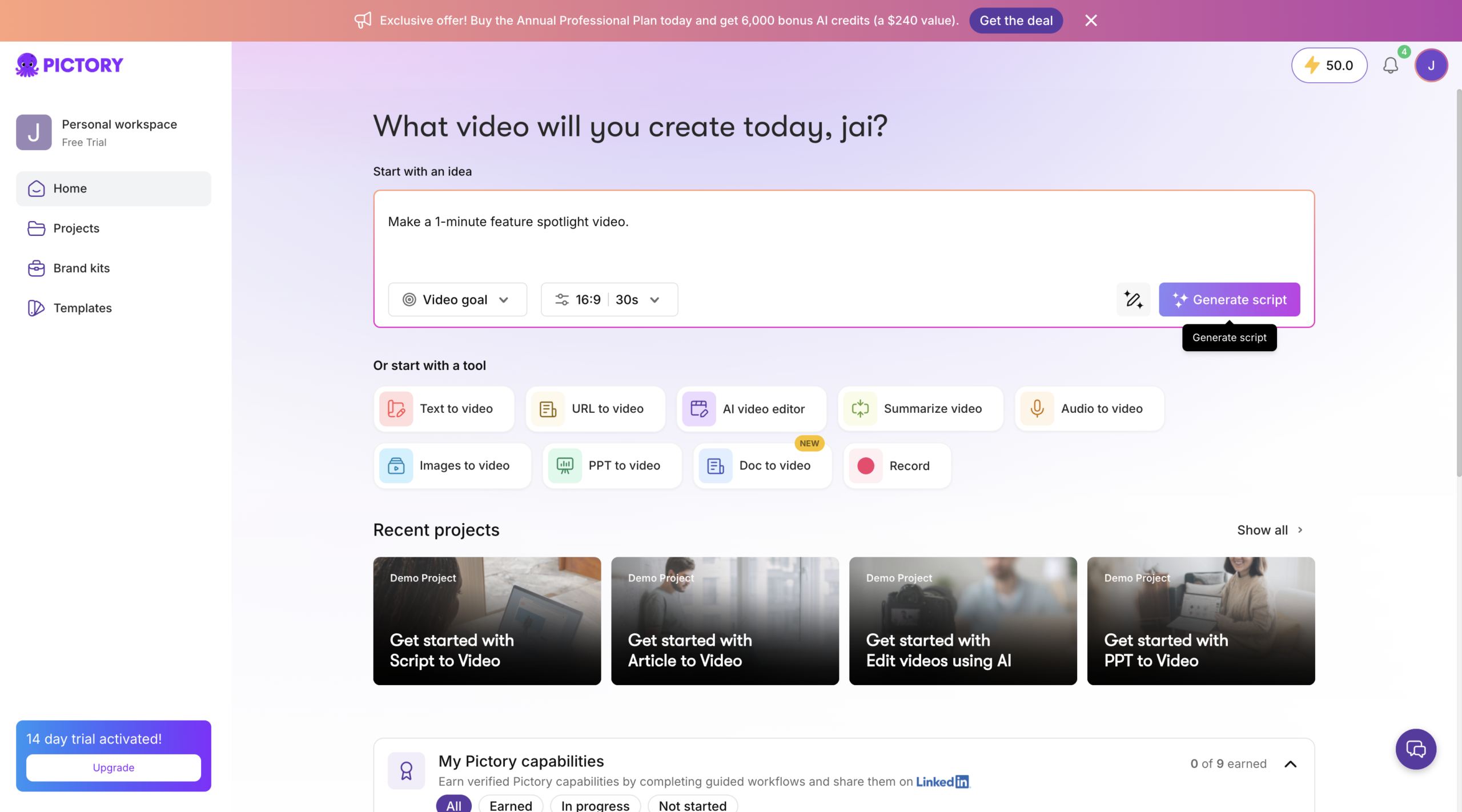
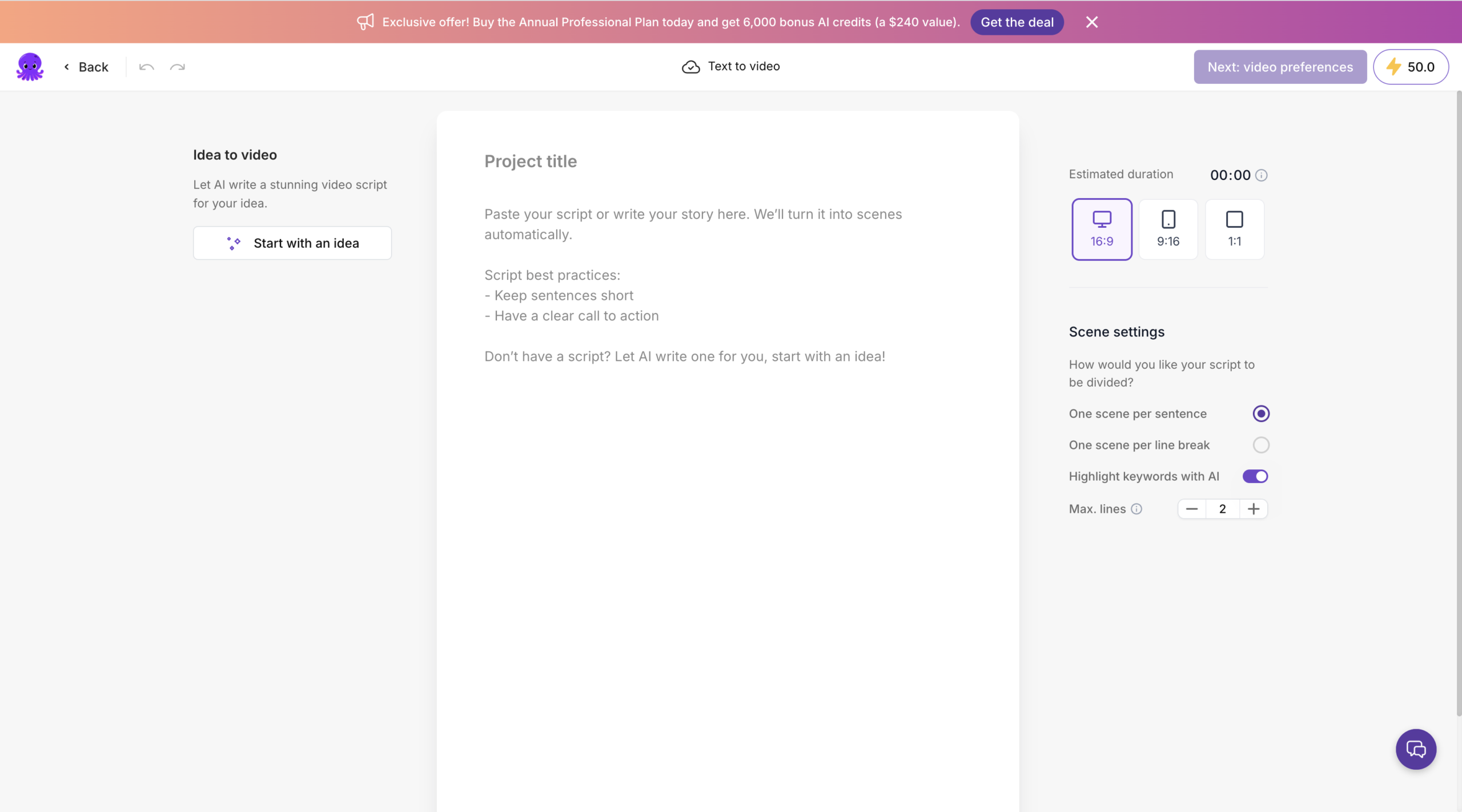
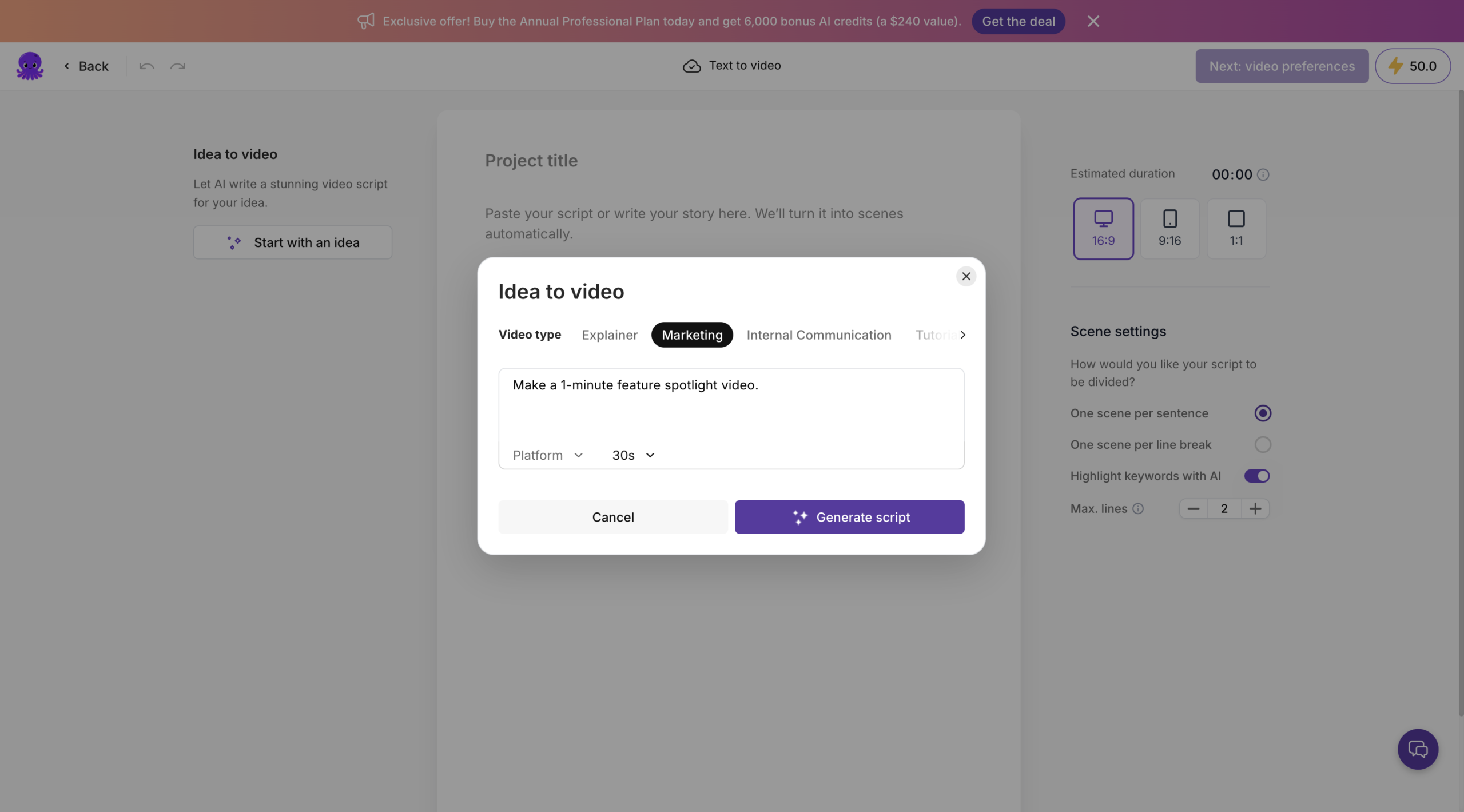
The best blog-and-article-to-video tool. Paste a URL or long text and Pictory extracts scenes, matches stock footage, and adds captions and AI voiceover almost hands-off. In 2026 it added URL-to-video, PPT-to-video, avatars, and edit-via-text. Fast and literal; built for repurposing, not creativity
Features
Script-to-Video
Near hands-off Script-to-video and PPT-to-video
Auto highlight extraction
Pull the best moments from long videos
Transcript-Based Editing
Edit footage by deleting words from the transcript
Automated Captions/Subtitles
Generates burned-in captions and translated subtitles for silent-scroll social feeds.
Stock Library & Brand Kit
Millions of licensed visuals plus saved fonts, colors, and logos for on-brand output.
AI Voiceover Selection
Choose from synthetic voices to narrate videos without recording your own audio.
Pros and Cons
- Best-in-class, near-hands-off blog/article-to-video (URL → video in ~8–12 min)
- Very low learning curve; among the fastest for a first draft
- Voiceovers rated slightly more natural than InVideo’s
- Affordable ($19 entry) with a free tier
- Literal AI – matches footage to keywords, so original content feels generic (~75% clip accuracy, 25% need manual swaps)
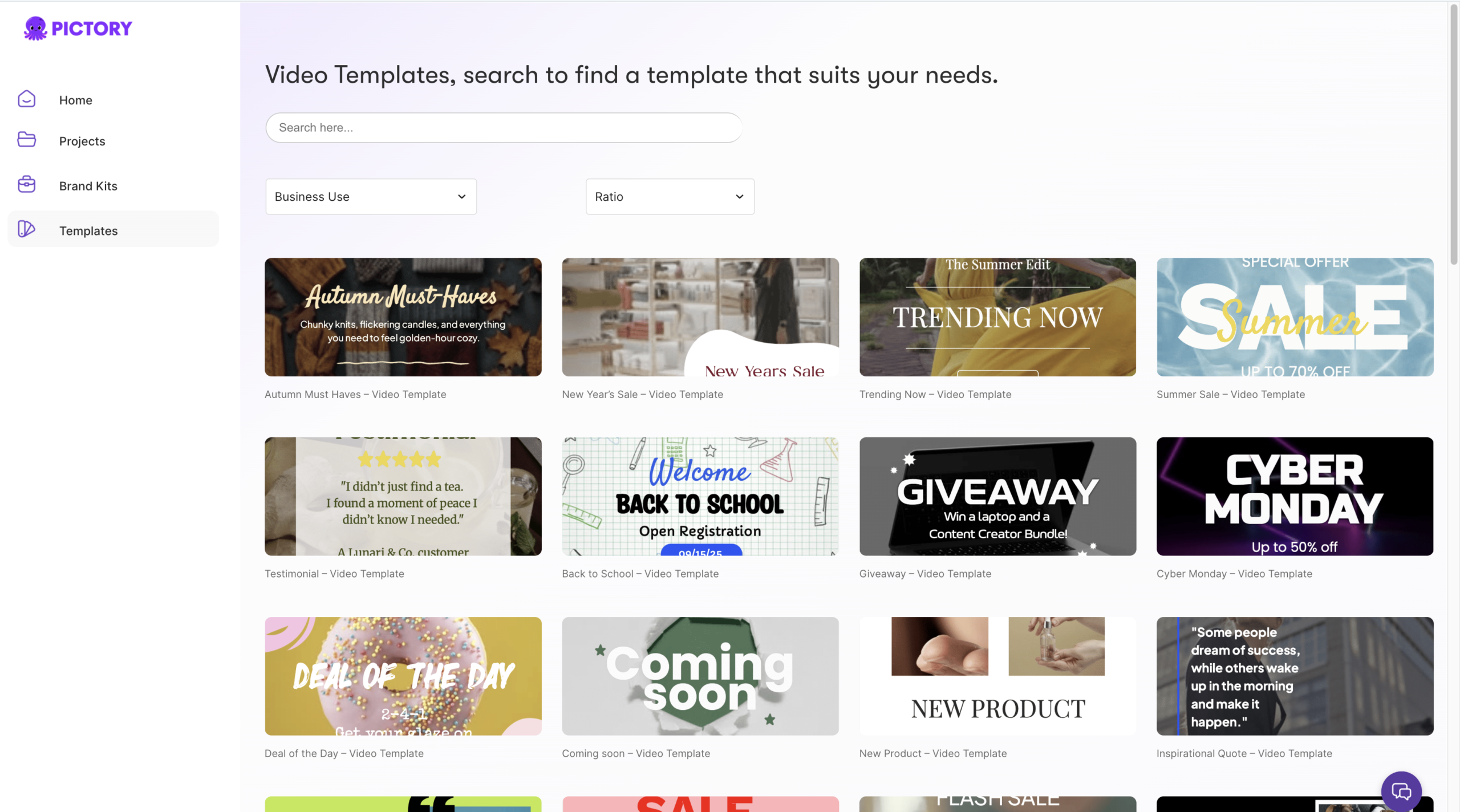
- Smaller stock/template library (~100 templates) and light editing only
- Caps at 1080p (no 4K); minute-based quota burns fast on long content
- Occasional download/export errors reported
Pricing Plans
Starter (Monthly)
$ 29
per month
Professional (Monthly)
$ 59
per month
Team (Monthly)
$ 199
per month
Enterprise
Custom
Contact for Pricing
Customers
- Content Repurposer – B2B SaaS marketer turning 200 old blog posts into weekly social clips
- Solo Course Creator – Educator cutting long Zoom lessons into promo clips for ads
- Agency Coordinator – Junior juggling social content for 10 local clients on tight turnarounds
- Webinar Marketer – Events lead slicing hour-long recordings into shareable highlight reels
- Nonprofit Comms Manager – One-person team making donor videos with no editor and no budget
Company Information
Pictory AI
2019
Sunnyvale, California, USA
Frequently Asked Questions
What is Pictory best for?
Turning blogs/articles and long content into video.
Does Pictory have a free plan, or just a trial?
There’s no permanent free tier. The free trial runs 14 days and lets you create 3 video projects. When the trial ends you can keep using the app, but downloads are restricted until you subscribe.
What actually counts as a “video minute”?
Only exports. Previewing, editing, and sharing inside your account don’t deduct anything; minutes come off when you export. On Professional’s 600/month, that’s roughly 30 videos of 20 minutes or 60 of 10 minutes.
Do unused minutes roll over?
No, the quota resets on the first of every month. Annual plans work differently: the full year’s allocation lands upfront, so Professional annual gives you 7,200 minutes at the start to use whenever. If you run dry, you can buy more in-app.
What happens to my videos if I cancel?
Download them first. The videos are yours forever, but every project is permanently deleted from the platform when you cancel.
Can I paste a PDF or Google Doc into the URL-to-video tool?
No, that flow takes blog or news articles in HTML format only. PDF, Word, and Google Docs aren’t supported.
Do I owe royalties on the stock footage or music?
No. Pictory has already licensed the clips, music, and voiceovers for use in your videos.
Is Team worth it for two people?
Team starts at 3+ users, so a two-person shop pays for three. The video-minute allowance is shared across all team members
Can I get a refund if it doesn’t work out?
No refunds on paid subscriptions. You can cancel anytime to avoid the renewal charge.
Strength
Blog-to-video
rating
⭐️ 4.4
Starts At
$ 29
per month
Alternatives

Revid AI
⭐️ 4.3
strength
AI Video Automation
High-volume faceless video automation
FROM
$ 39
per month
✅ Free Trial

Fliki
⭐️ 4.3
strength
Text-to-speech video
Text-to-video with realistic multilingual AI voices
FROM
$ 28
per month
✅ Free Trial

Invideo
⭐️ 4.5
strength
Prompt-to-video
Prompt-to-video AI suite
FROM
$ 20
per month
✅ Free Trial