
Runway
Pro AI video platform with best-in-class camera control and editing tools.
RATED
4.7 ⭐️
strength
Creative suite
starts at
$ 15
per month
RATED
4.7 ⭐️
strength
Creative suite
starts at
$ 15
per month
Overview
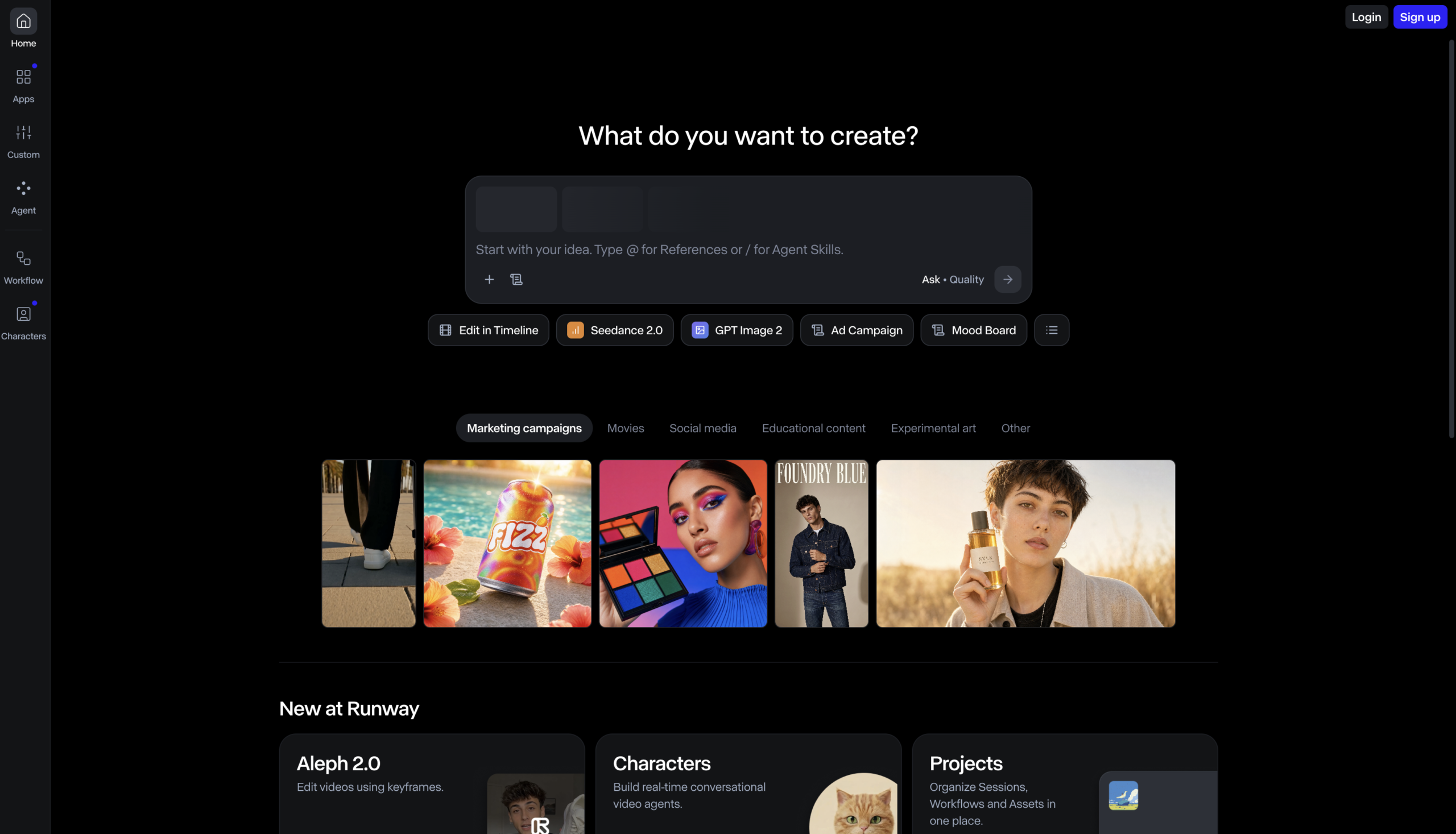
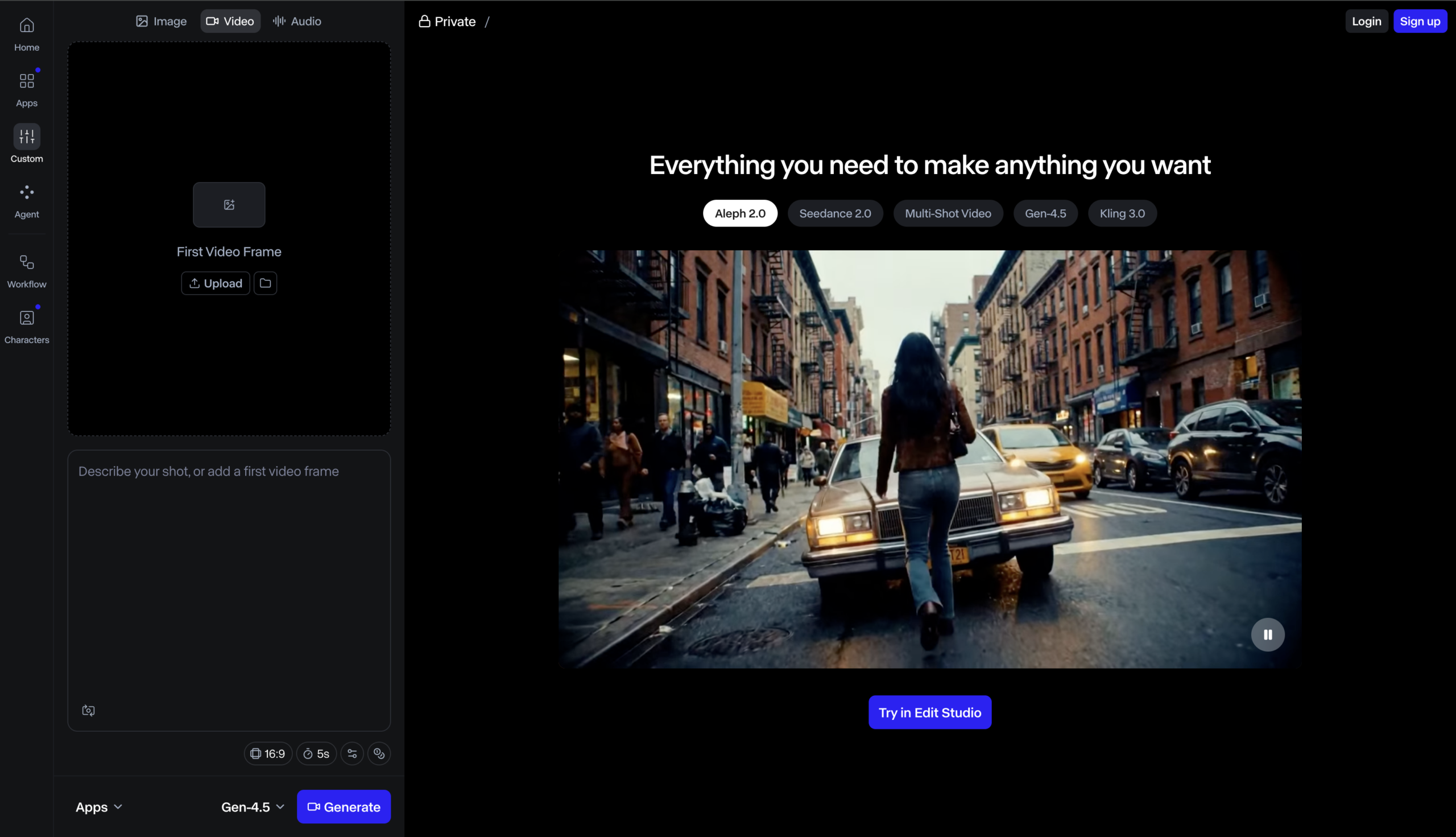
The professional’s AI video platform. Runway pairs its Gen-4.5 model with the category’s deepest editing ecosystem. Motion brush, camera control, performance capture and now bundles Veo, Kling, and Seedance in one dashboard.
Features
Text-to-Video
Generate video from a written prompt using frontier models like Gen-4.5 and Seedance 2.0
Image-to-Video
Animate any still image into motion, available even on the free Gen-4 Turbo tier
Aleph Editing
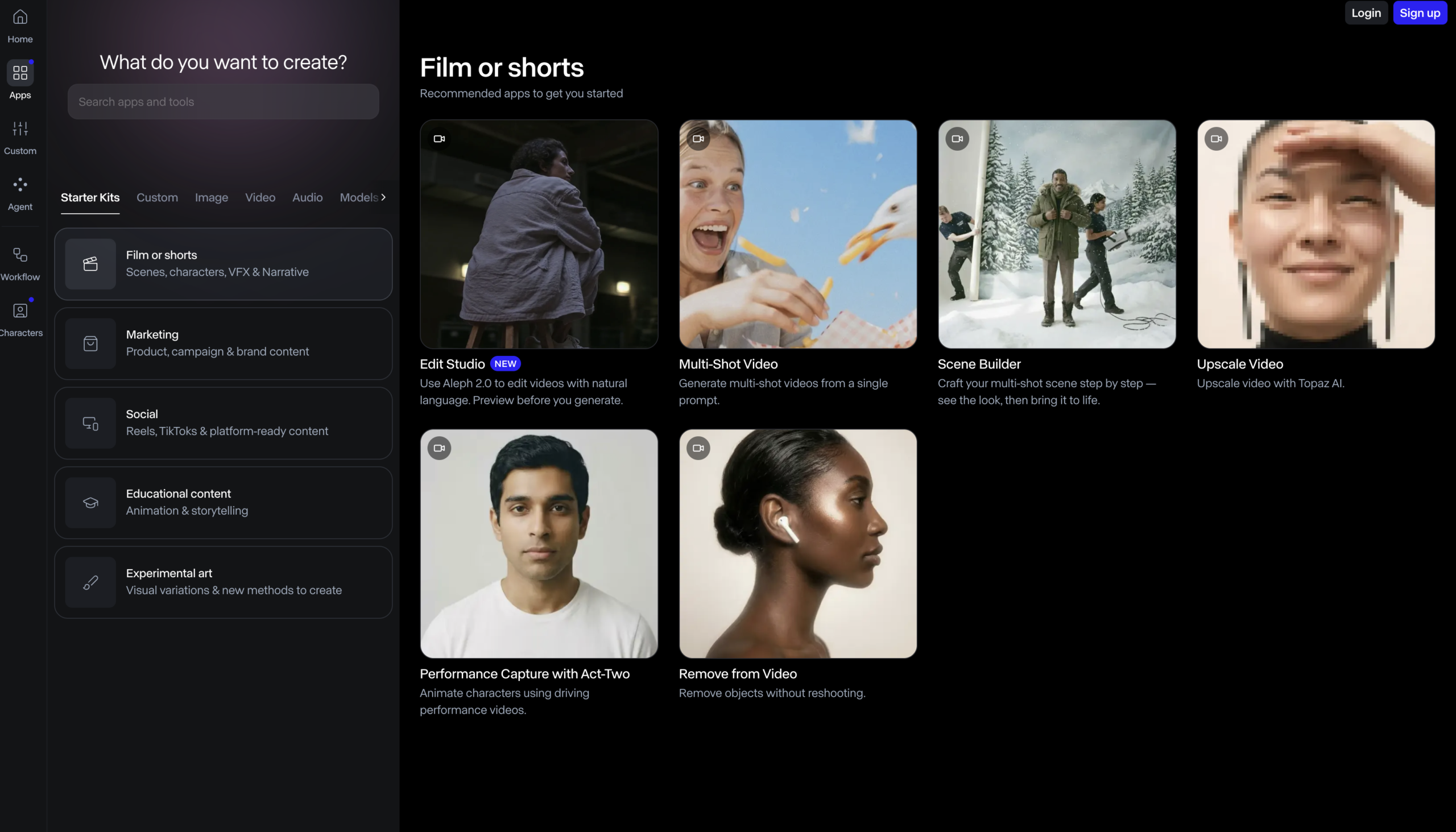
Edit one frame, add/remove elements, then apply the change across the entire video
Runway Agent
Create end-to-end videos through a simple back-and-forth conversation with the AI
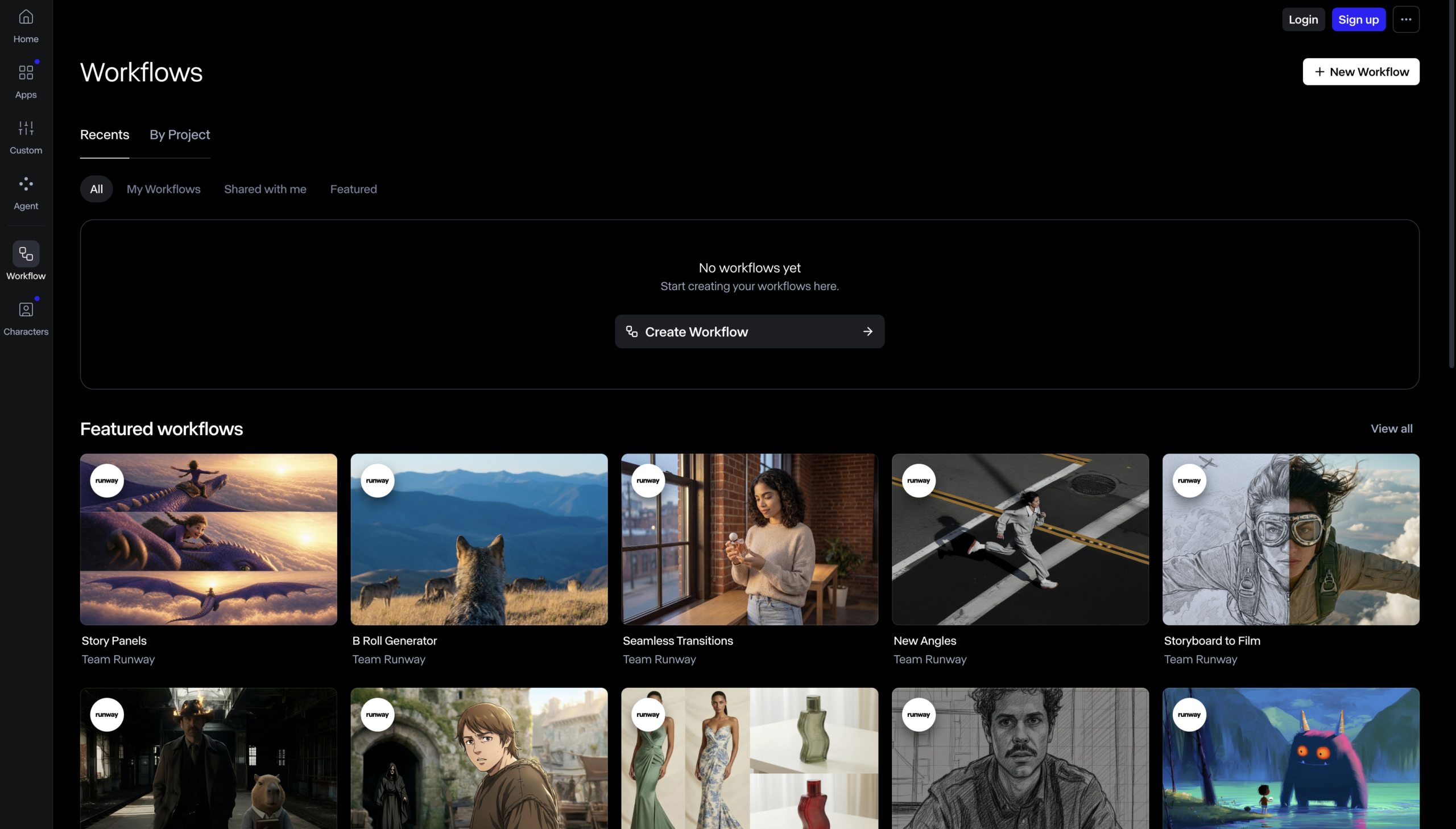
Custom Workflows
Chain multiple models and steps in node-based flows for full generation control
Video Apps
Use-case tools: remove-from-video, relight scene, change backdrop, upscale, add dialogue
Custom Voices
Build your own voices for lip sync and text-to-speech (Pro plan and above)
4K Upscaling
Enhance generations to higher resolution with watermark-free output on paid plans
Pros and Cons
- Best-in-class directed camera control and editing workflow
- Top per-prompt consistency across shots
- Multiple flagship models under one bill
- Commercial rights on all tiers, including free
- Credit system makes true cost hard to predict; credits don’t roll over
- Free tier (125 one-time credits) is testing-only
- ~10s max clip; text rendering unreliable
Pricing Plans
Standard (Monthly)
$ 15
per month
Pro (Monthly)
$ 35
per month
Max (Monthly)
$ 95
per month
Enterprise
Custom
Contact for Pricing
Customers
- Solo Content Creator – Turn text prompts and stills into short-form video for YouTube, TikTok, and Reels without a camera crew or editing suite.
- Ad & Marketing Agency Producer – Generate campaign variations and reshoots product ads at scale, adapting one concept across many channels fast.
- VFX & Film Studio Artist – Restyle shots, removes elements, and relights scenes on real footage to speed up post-production on series and films.
- Product & E-commerce Designer – Reshoot product shots and swaps backdrops from a single upload, avoiding costly physical photo/video reshoots.
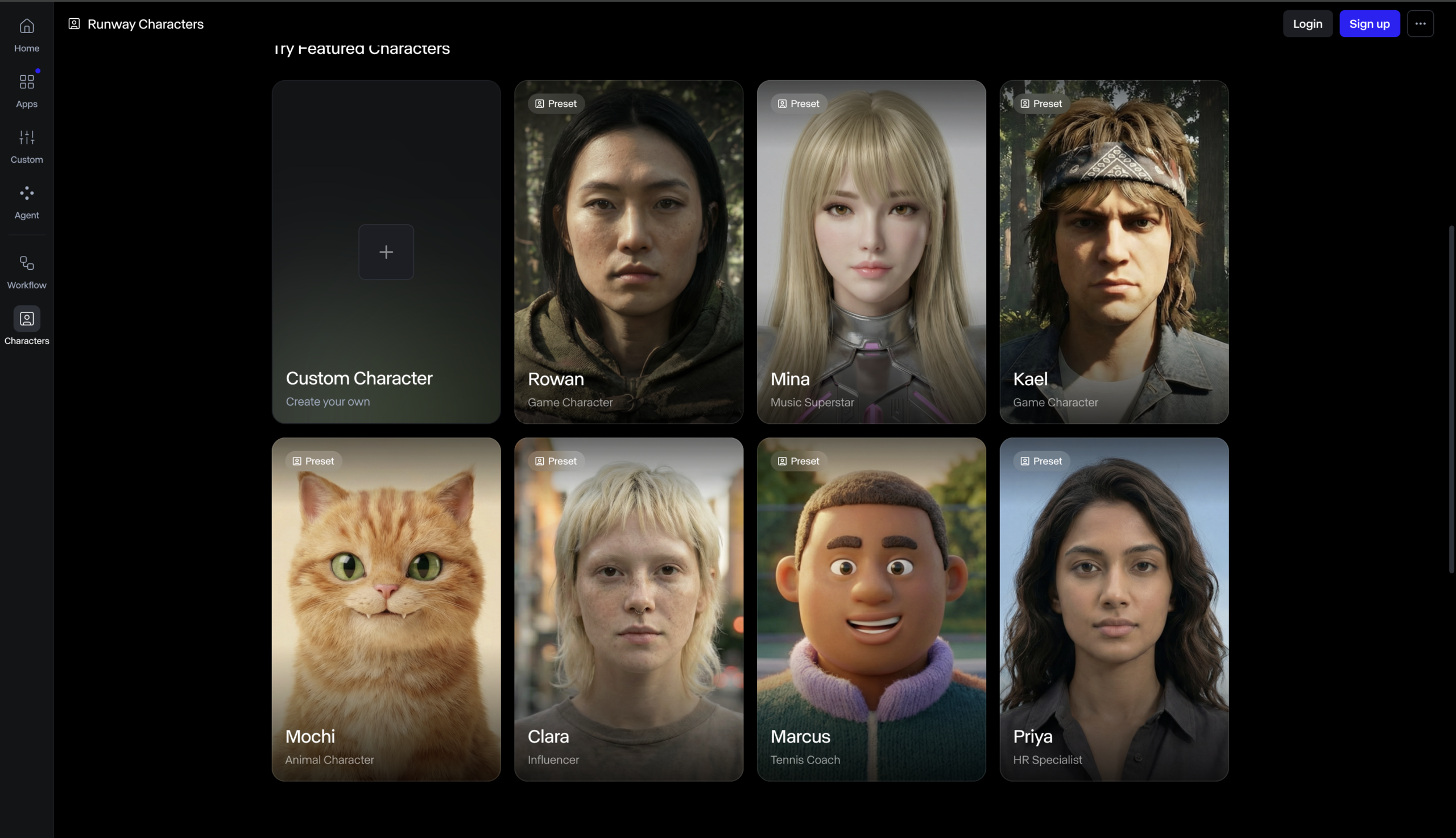
- Game & Interactive Developer – Build concept art, animatics, and real-time video-agent characters to prototype worlds before committing dev resources.
Company Information
Runway AI, Inc.
2018
New York City, USA
Frequently Asked Questions
Do I need any video editing experience to use Runway?
No. Runway is built around prompt-based tools and apps, and the Runway Agent lets you create end-to-end videos through a simple conversation, so you can generate video by describing what you want rather than editing manually.
Can I use Runway on real footage I’ve already shot, or only AI-generated video?
Both. With Aleph 2.0 and the Edit Studio you can edit existing video, change outfits, restyle shots, remove elements, change backgrounds, and relight scenes by telling the model what you want.
Which AI models does Runway give me access to?
Paid plans include all image and video models such as Gen-4.5, Aleph 2.0, Seedance 2.0, Kling 3.0, Nano Banana Pro, Veo 3.1 and more, plus audio models like Seed Audio and Lyria 3, all inside one workspace.
How do credits work and how much video do they produce?
Credits are the unit you spend per generation, and the amount depends on the model, duration, and resolution, for example Gen-4.5 uses 60 credits per 5 seconds of video. Each paid plan includes a monthly credit allotment.
Can I use Runway content commercially, and is my work watermarked?
Paid plans (Standard and above) produce output with no watermarks, making them suitable for professional and client-facing work, while the free plan is intended for exploring the tools.
Does Runway support custom voices for characters and dialogue?
Yes, on the Pro plan and above you can create custom voices for use in lip sync and text-to-speech, alongside audio apps and the Add Dialogue tool that lets characters speak typed text.
Can I build repeatable, multi-step production pipelines?
Yes. Runway Workflows let you create custom node-based workflows that chain together multiple models, modalities, and intermediary steps for more control and consistency across generations.
Can I connect Runway to other AI tools or agents?
Yes. Runway offers an MCP integration that connects Runway to agents such as Claude and ChatGPT, plus a developer API and dev portal for building Runway generation into your own products.
What happens to my credits if I upgrade, downgrade, or don’t use them?
Upgrades take effect immediately and are prorated; downgrades apply your unused balance to the next cycle. Standard and Pro credits reset monthly and don’t roll over, while the Max plan rolls over up to one month of unused credits and purchased credits never expire.
Strength
Creative suite
rating
⭐️ 4.7
Starts At
$ 15
per month
Alternatives

Luma AI
⭐️ 4.4
strength
Creative AI Agents
Fast, elegant AI video with strong start/end keyframe control.
FROM
$ 30
per month
✅ Free Trial

Pika
⭐️ 4.1
strength
AI Creative effects
Playful AI video tool with viral effects and scene-to-scene restyling.
FROM
$ 9
per week
✅ Free Trial

Kling AI
⭐️ 4.3
strength
Cinematic video
Cinematic generator with true 4K and multi-shot storytelling.
FROM
$ 7
per month
✅ Free Trial