
Canva Magic Studio
All-in-one AI design suite inside Canva — generate images, copy, layouts, and video without leaving.
RATED
4.5 ⭐️
strength
AI Design
starts at
$ 15
per person per month
RATED
4.5 ⭐️
strength
AI Design
starts at
$ 15
per person per month
Overview
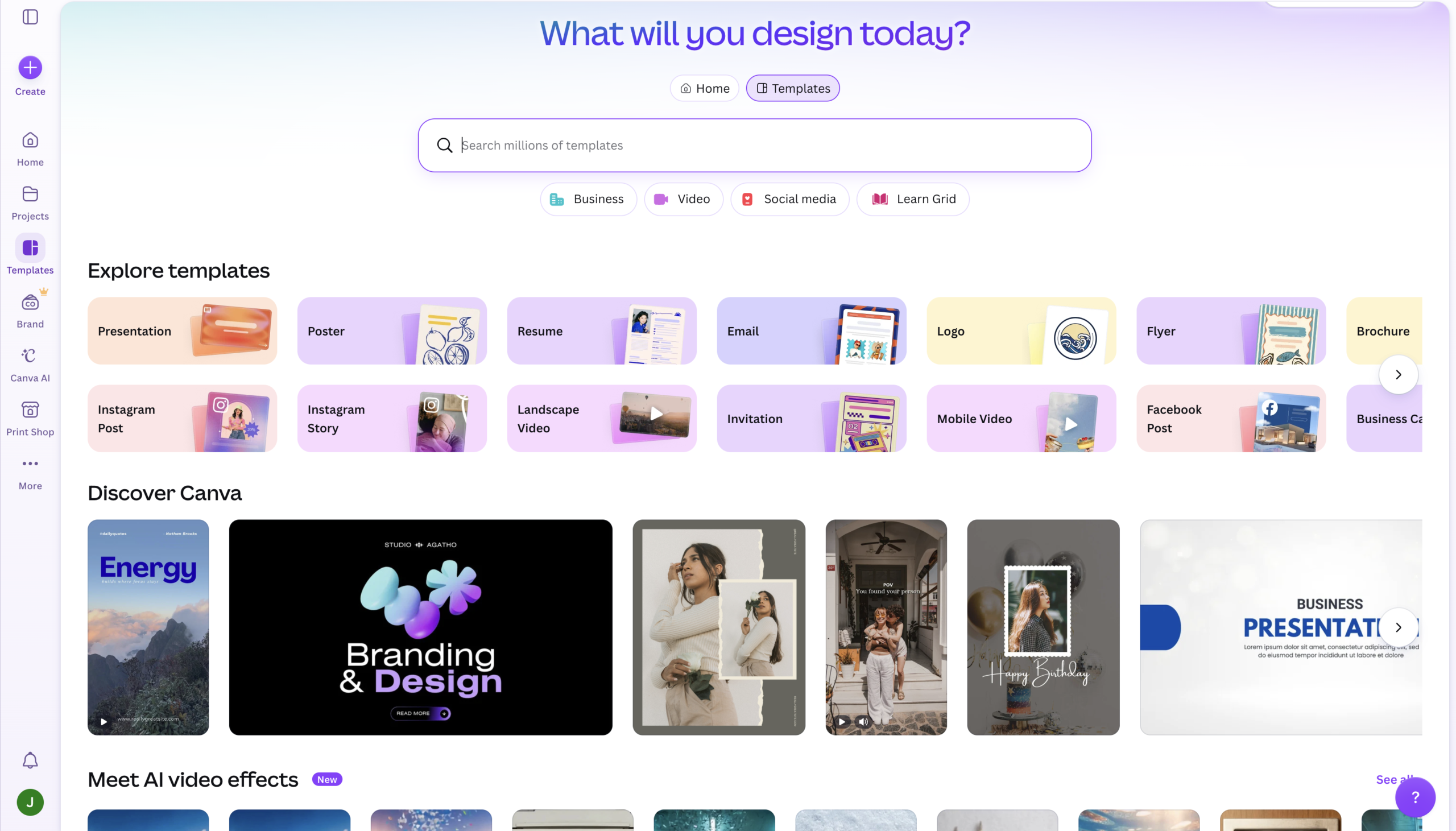
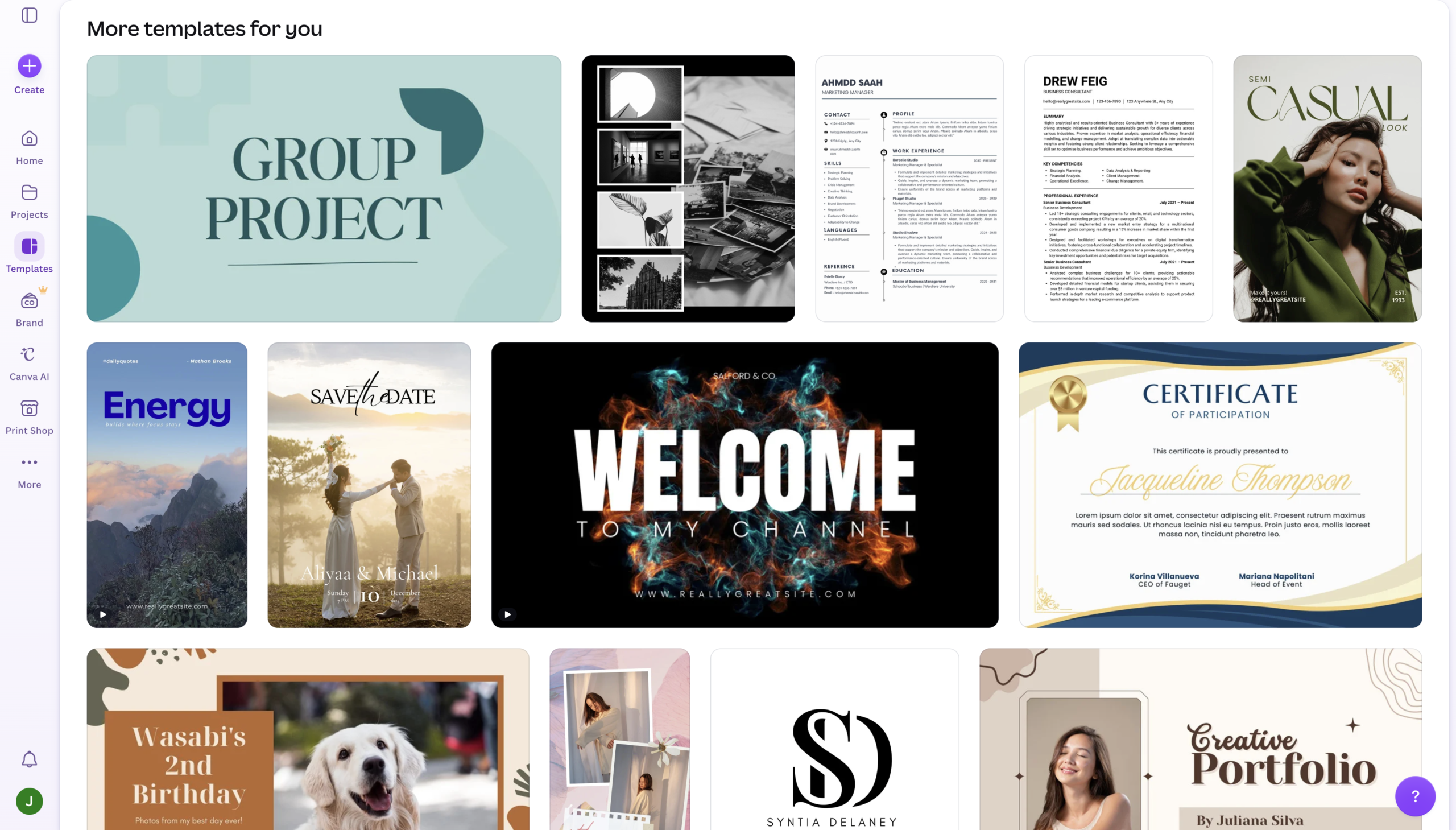
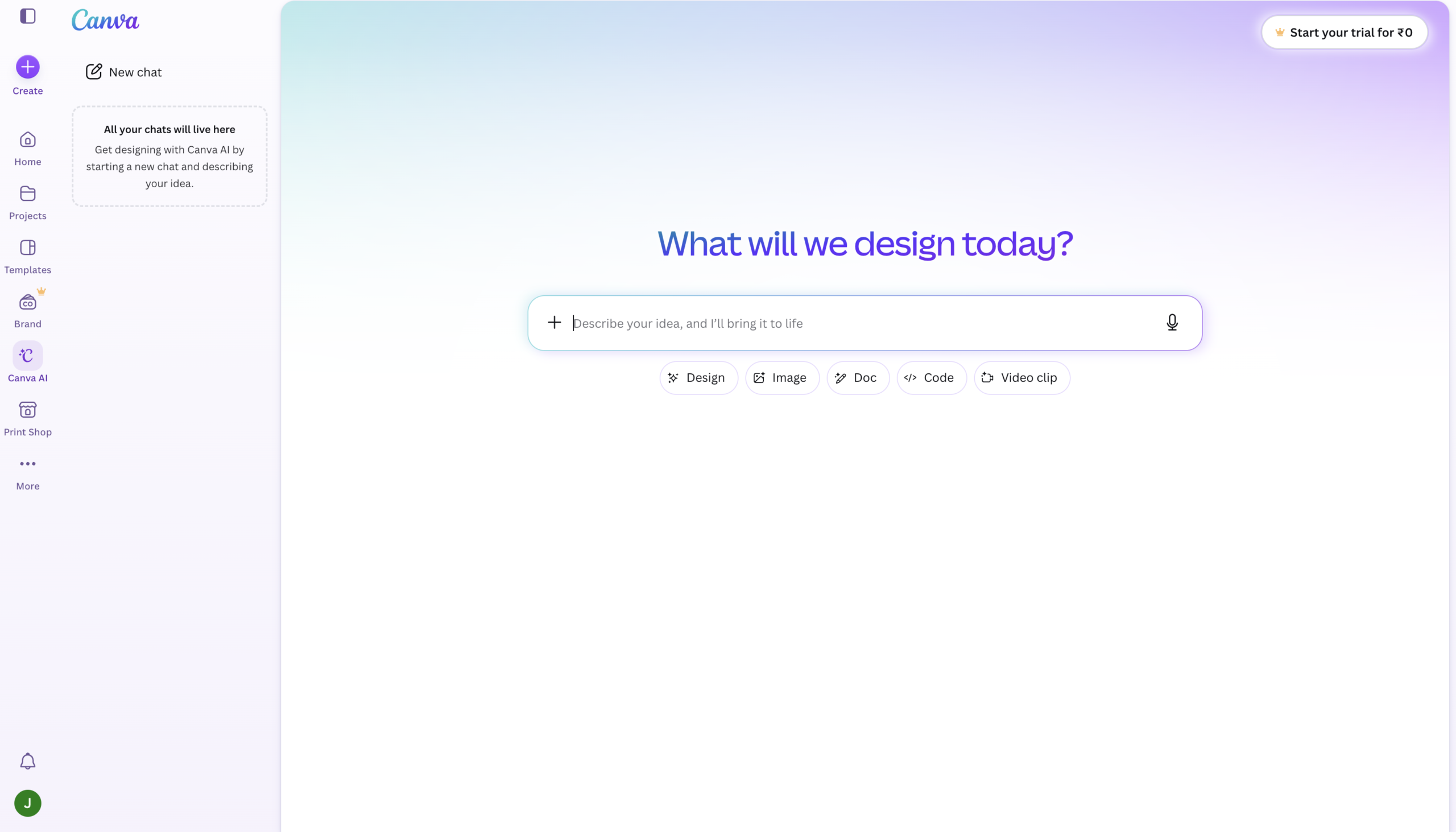
Canva Magic Studio bundles the platform’s entire AI toolkit including image generation, copywriting, layout design, resizing, and video directly inside the editor 260M+ people already use. Its strength isn’t best-in-class output, but never leaving your design to get 80% of the way there fast.
Features
Magic Design
Generates complete, on-brand layouts from a text prompt in seconds
Dream Lab
Text-to-image generator (Leonardo-powered) with photorealistic and stylized options
Magic Write
In-canvas AI copywriting for headlines, captions, and body text.
Magic Resize
Adapt one design to every platform format instantly (Pro).
Magic Edit & Eraser
Remove or replace objects and backgrounds with a click.
Magic Media
Create short AI video clips and animations from prompts
Bulk Create
Batch-generate dozens of on-brand variations from a data source
Magic Charts
Turn raw data into polished, automated visualizations
Pros and Cons
- Seamless integration – Never leave the editor to generate, edit, and export.
- Minimal learning curve; usable by people with zero design experience.
- Commercial usage rights included on both Free and Pro plans.
- One suite covers image, copy, layout, resize, and video.
- Individual outputs (image quality, copy depth) aren’t best-in-class vs Midjourney or dedicated tools.
- Shared credit pool depletes fast; heavy users hit the wall mid-month.
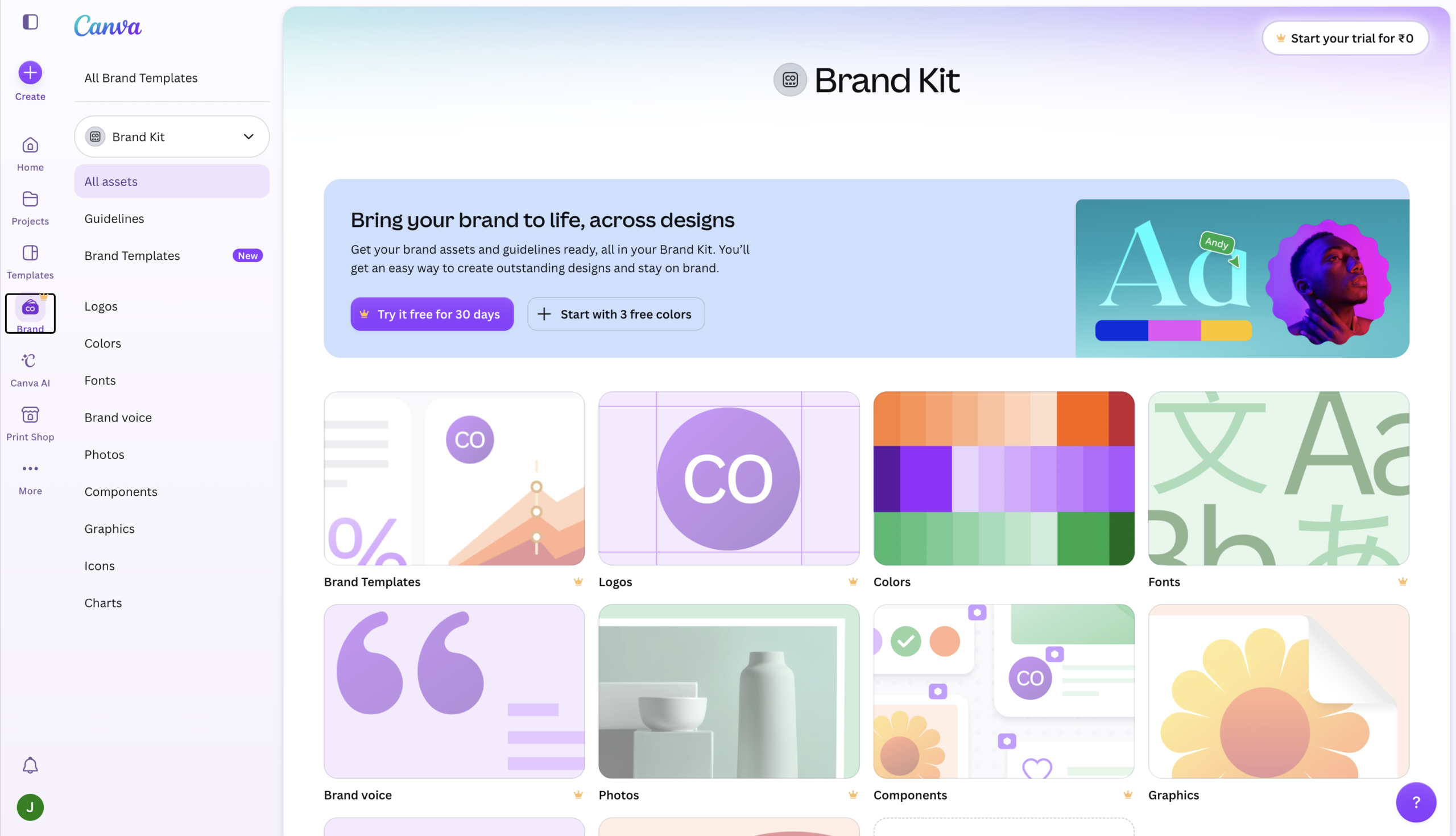
- Best time-saving features (Magic Resize, Brand Kit) are locked to Pro.
- AI video clips cap at ~4 seconds with only 5 lifetime free credits.
Pricing Plans
Pro (Monthly)
$ 15
per person per month
Business (Monthly)
$ 20
per person per month
Enterprise
Custom
Contact for Pricing
Customers
- Non-Designer Marketer – Produce a full month of branded social posts in one afternoon without a designer.
- Small Business Owner – Creates ads, flyers, and menus in-house instead of paying an agency retainer.
- Social Media Manager – Resize one design into every platform format instantly with Magic Resize.
- Startup Founder — Builds a 12-slide investor pitch deck from a prompt in under 30 minutes.
- Content Creator — Generates thumbnails, captions, and short video clips from a single editor.
Company Information
Canva Pty Ltd
2013
Sydney, Australia
Frequently Asked Questions
Can I use Canva AI images commercially?
Yes. Both Free and Pro plans include commercial usage rights for AI-generated content. However, verify as these policy may change with time.
Is Magic Studio free?
Partially, the free plan includes core AI tools with a limited monthly credit allotment that resets monthly.
How do AI credits work?
All Magic Studio features draw from one shared monthly credit pool; image and video generation each consume credits.
Do I need design experience?
No. Magic Studio is built for non-designers; most tools work from a plain-language prompt.
Is Canva AI as good as Midjourney?
Not for pure image quality, but Canva wins on integrated speed for finished marketing assets.
What models power Dream Lab?
Dream Lab image generation is powered by Leonardo.ai inside Canva.
Can teams collaborate with AI features?
Yes. Real-time co-editing, comments, and shared Brand Kits work alongside AI tools.
Do credits roll over?
No. Unused credits don’t carry over; they reset on the monthly renewal date.
Strength
AI Design
rating
⭐️ 4.5
Starts At
$ 15
per person per month
Alternatives
No data was found