

Replit AI
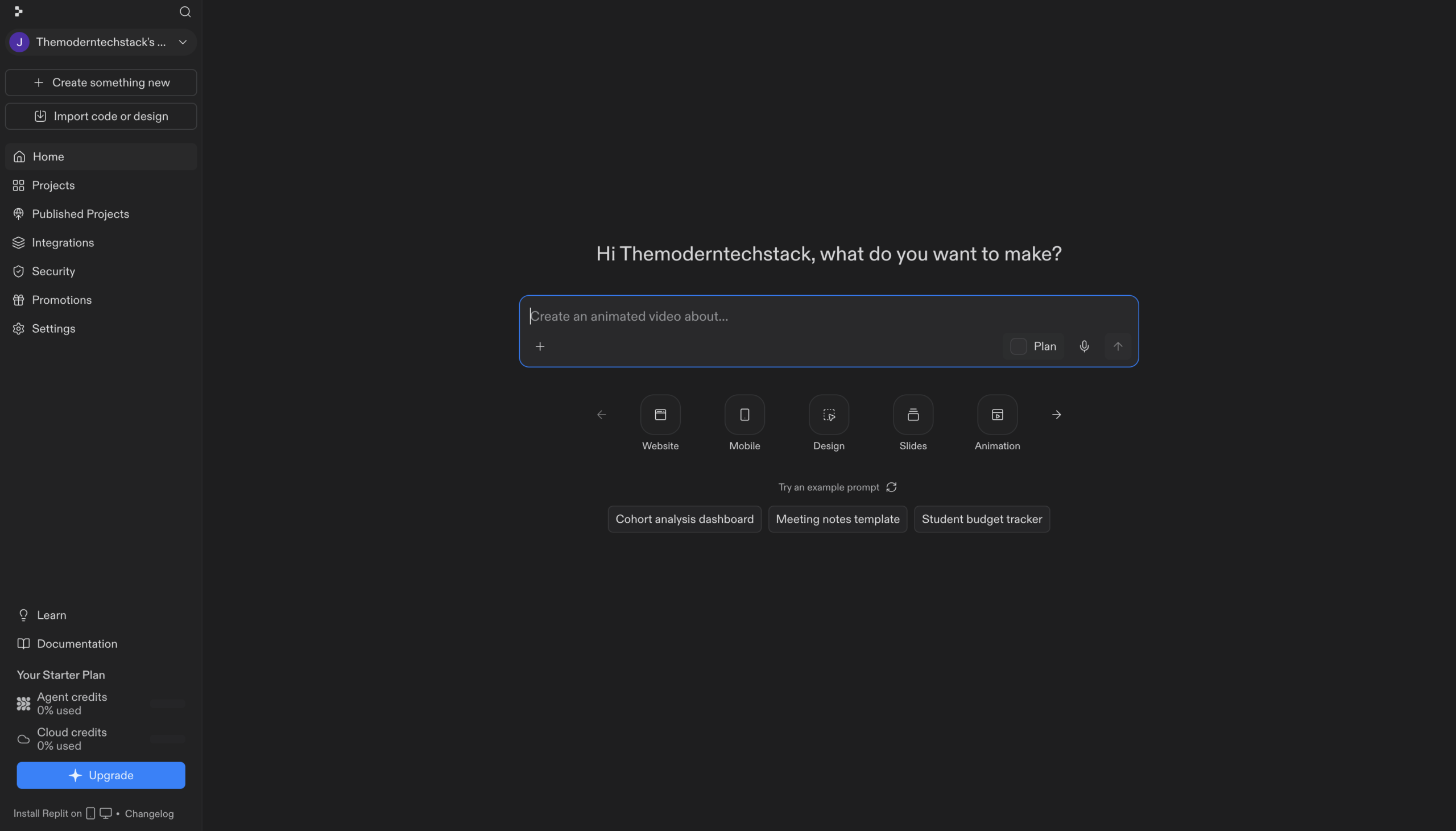
Describe an app in plain English and Replit’s agent builds, tests and hosts it in your browser.
RATED
4.7 ⭐️
strength
Autonomous Web/App Building
starts at
$ 20
per month
RATED
4.7 ⭐️
strength
Autonomous Web/App Building
starts at
$ 20
per month

Overview
Replit Agent builds working software from a plain-language brief, then tests its own output in a browser and fixes what it finds. Everything runs in a tab – no local setup – and one project can hold a web app, a mobile app, slides and dashboards sharing a single backend.
Features
Prompt-to-App Agent
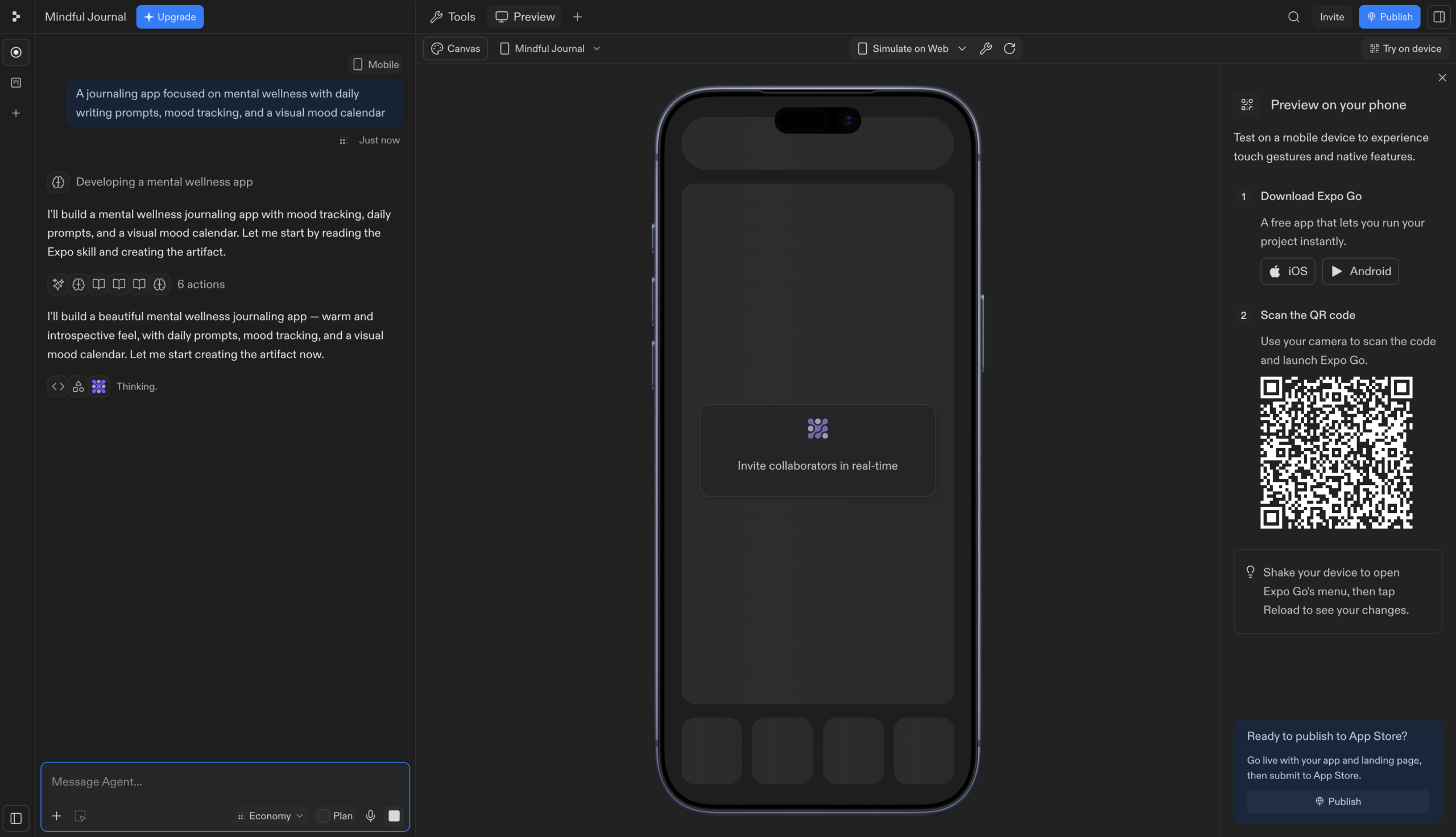
Describe what you want in everyday language; the agent plans, builds and deploys it
Self-Testing Loop
Agent tests its own work regularly and fixes issues it detects during the build
Plan Mode
Breaks complex projects into ordered task lists you approve before any code is written
Agent Modes
Choose Lite, Economy or Power to trade cost against capability on each build
Multi-Artifact Projects
Web app, mobile app, slides and dashboards in one project sharing one backend
Checkpoint Rollback
Agent creates checkpoints as it works so you can roll back to any earlier state
Service Connectors
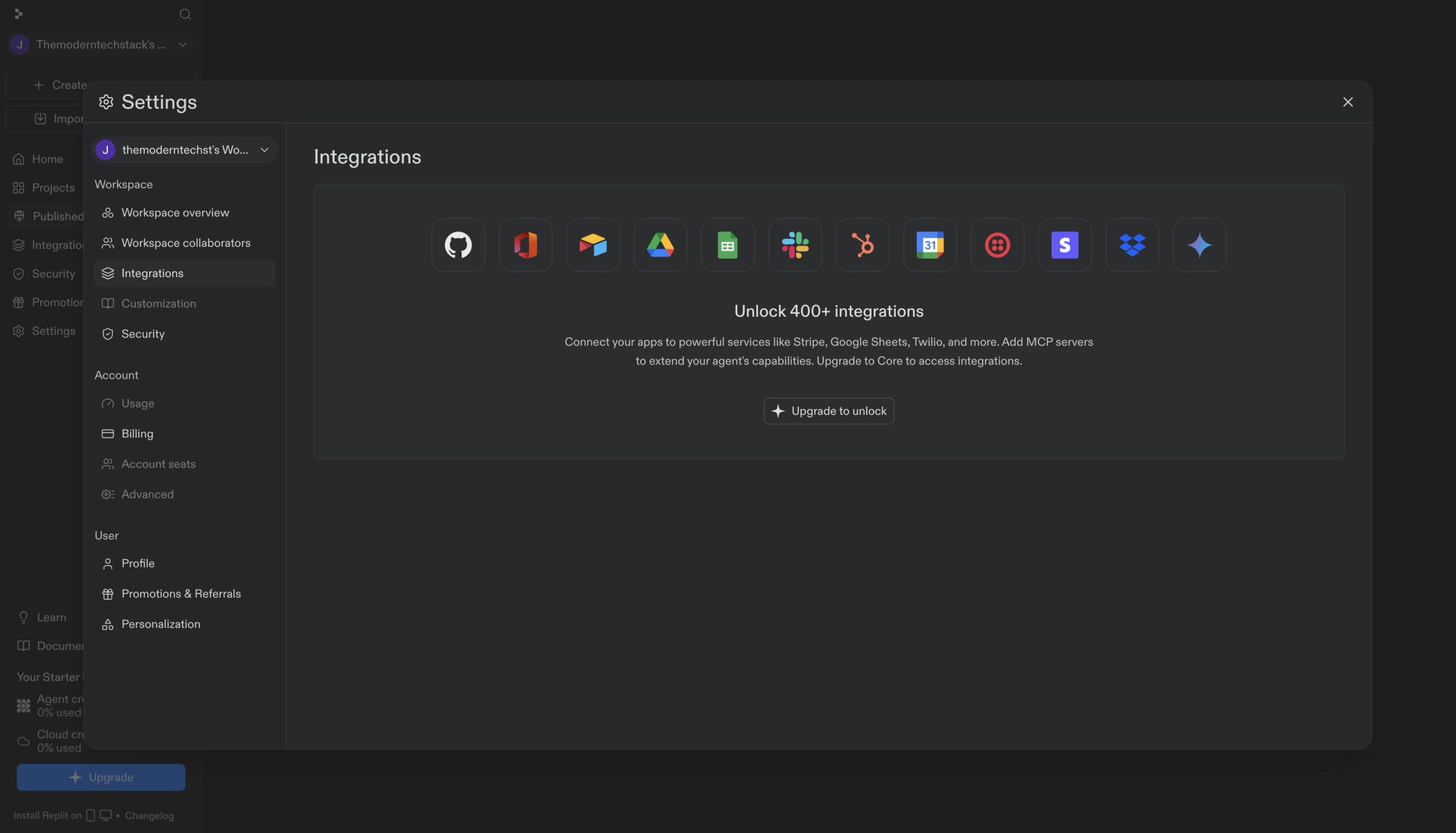
Pull live data from BigQuery, Linear, Slack and Notion directly from chat
Design Canvas
Explore visual mockups and prototypes before committing anything to code
Pros and Cons
- Genuinely autonomous – tests and self-corrects rather than handing you broken output
- Fully browser-based, so a Chromebook or borrowed laptop is enough to build and ship
- One project covers web, mobile, slides and data viz on shared infrastructure
- Checkpoints make experimentation low-risk; any bad build is one rollback away
- Mode switching gives real cost control instead of one flat expensive setting
- Effort-based billing makes spend unpredictable on long or messy builds
- Turbo speed mode is Pro and Enterprise only – Core users can’t access it
- Background task limits are tight on lower plans (1 active task on Core vs 10 on Pro)
- Agent-generated code often needs a developer’s review before it carries real transactions
- The sheer breadth of modes, artifacts and settings is a lot to learn for a first-time builder
Pricing Plans
Replit Core
$ 20
per month
Replit Pro
$ 100
per month
Enterprise
Custom
Contact for Pricing
Customers
- Startup Founder / Validator – Ship a testable prototype the same afternoon the idea lands, then iterates live
- Small Business Owner – Spin up a customer check-in or booking app without hiring or briefing a developer
- Non-Technical Ops Manager – Turn a messy team spreadsheet into a real internal tool with a proper database
- Data Analyst – Pull BigQuery or Notion data into a live dashboard without waiting on an engineering ticket
- Chromebook / Tablet Learner – Build and run full projects entirely in-browser on a machine that can’t run an IDE
Company Information
Replit, Inc.
2016
Foster City, California, USA
Frequently Asked Questions
Do I need to know how to code to use Replit Agent?
No. Agent writes the code, sets up infrastructure and configures databases from your plain-language description.
What happens if the Agent makes a mistake?
Agent tests its own work and creates checkpoints as it goes, so you can roll back to any previous state.
Can I build more than one app in a single project?
Yes. Web apps, mobile apps, slides, videos and data visualisations can share the same project, backend and data.
What’s the difference between Lite, Economy and Power modes?
Lite handles quick targeted changes, Economy is the balanced default, and Power uses the most capable models.
Can I review the plan before Agent starts building?
Yes. Plan mode breaks the project into an ordered task list you approve or revise before any code is written.
Can Agent use data from my existing business tools?
Yes. Agent can pull data from connected services like BigQuery, Linear, Slack and Notion directly from chat.
Do I need to install anything to get started?
No. Agent runs in the Project Editor in your browser – describe your idea and it handles setup and deployment.
Strength
Autonomous Web/App Building
rating
⭐️ 4.7
Starts At
$ 20
per month
Alternatives

Base44
⭐️ 4.6
strength
Vibecoding Backend
Describe an app and Base44 builds it with database, logins and hosting already handled.
FROM
$ 20
per month
✅ Free Trial

Bolt.new AI
⭐️ 4.6
strength
Full-stack Vibecoding
Prompt, run, edit and publish full-stack web and mobile apps entirely inside your browser.
FROM
$ 25
per month
✅ Free Trial

Lovable AI
⭐️ 4.7
strength
Prompt-to-App
Chat your idea into a live full-stack web app – real React code, database and auth included.
FROM
$ 25
per month
✅ Free Trial