

Bolt.new AI
Prompt, run, edit and publish full-stack web and mobile apps entirely inside your browser.
RATED
4.6 ⭐️
strength
Full-stack Vibecoding
starts at
$ 25
per month
RATED
4.6 ⭐️
strength
Full-stack Vibecoding
starts at
$ 25
per month
Overview
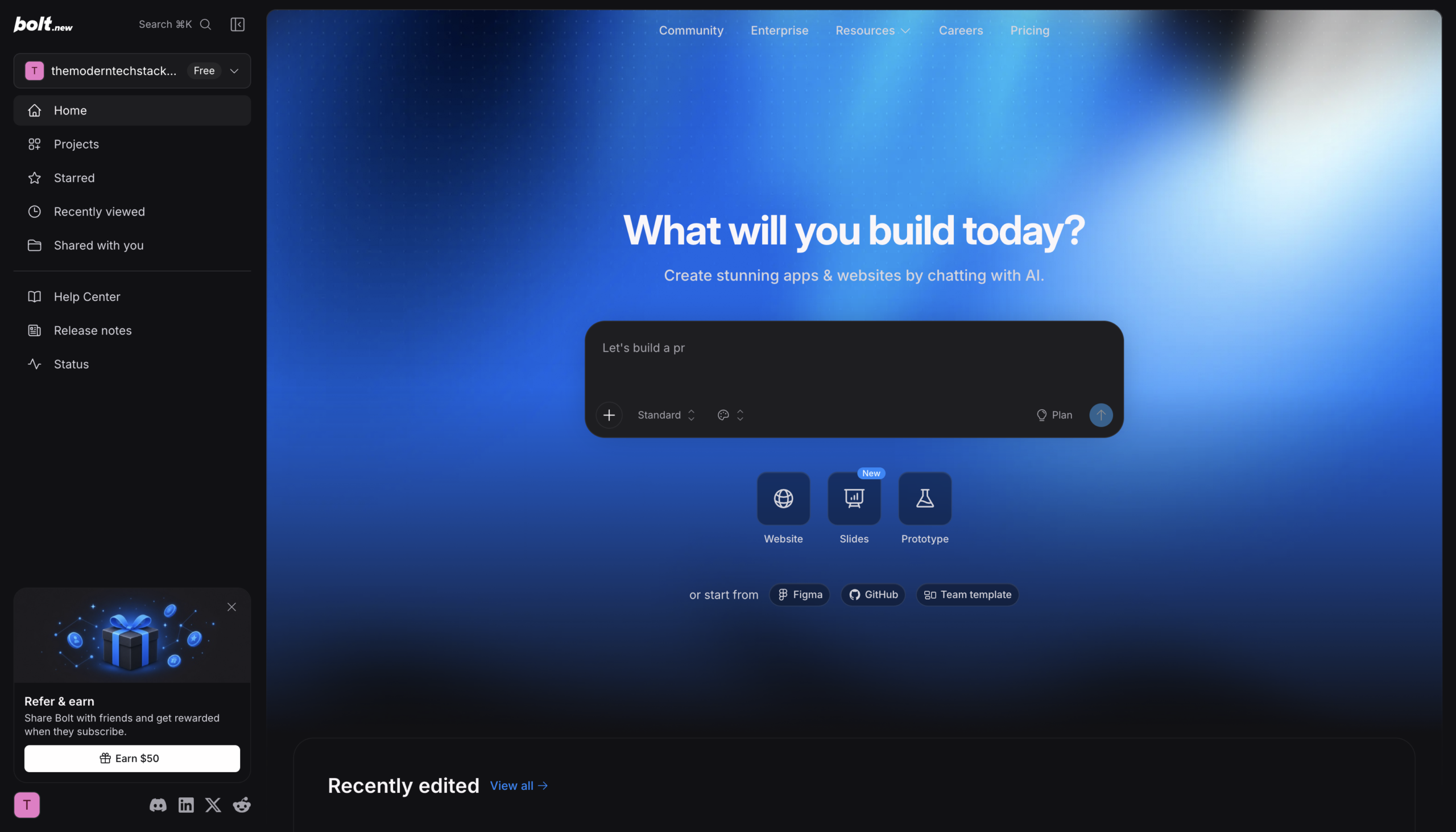
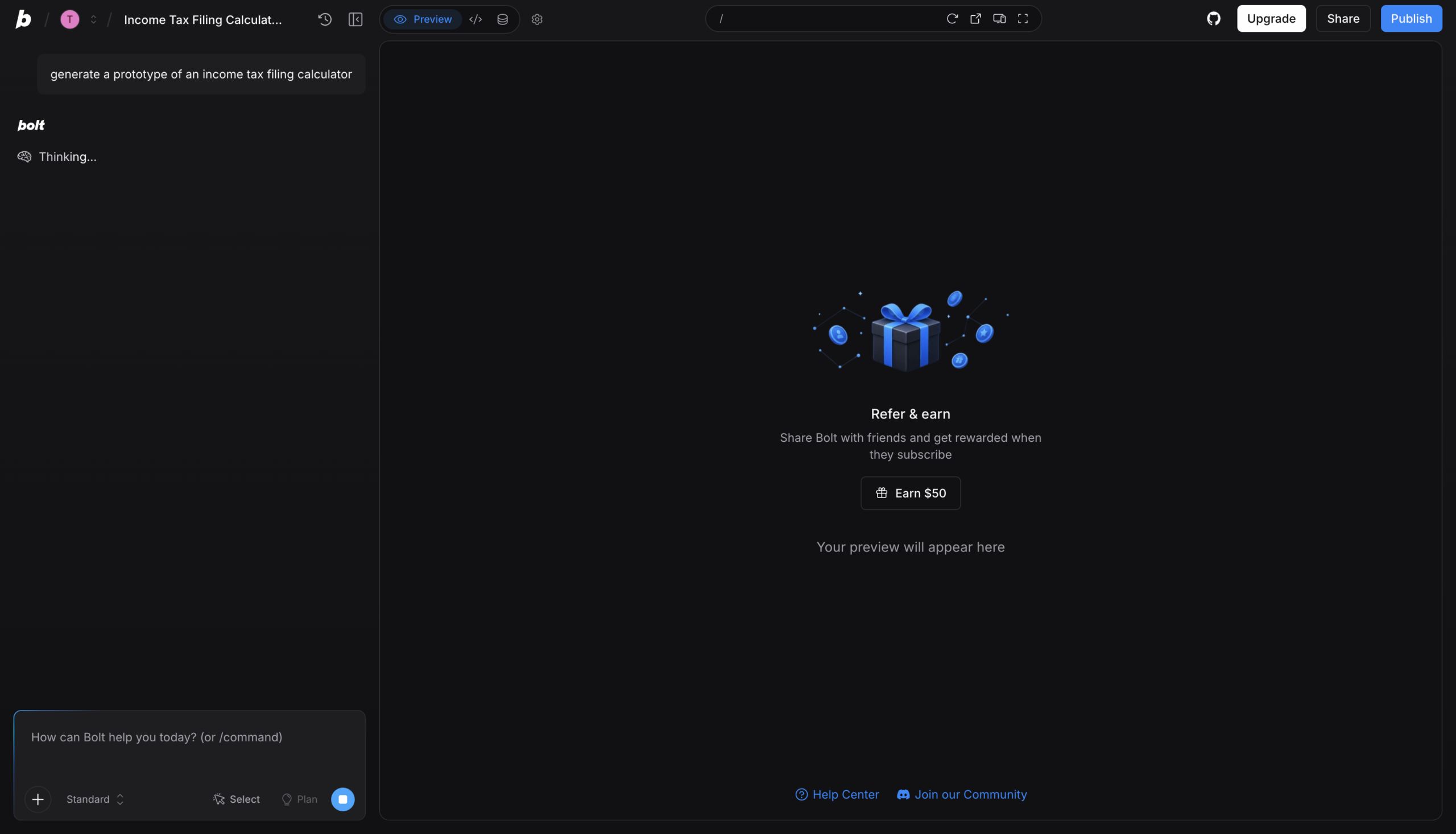
Bolt turns a prompt into a running full-stack app without installing anything – it runs Node.js inside your browser tab via StackBlitz’s WebContainers. Databases, hosting and domains come bundled in Bolt Cloud, and you can import a Figma frame or a GitHub repo instead of starting cold.
Features
Prompt-to-App Build
Type your idea, click Build now, and Bolt turns the prompt into a working project
WebContainers Runtime
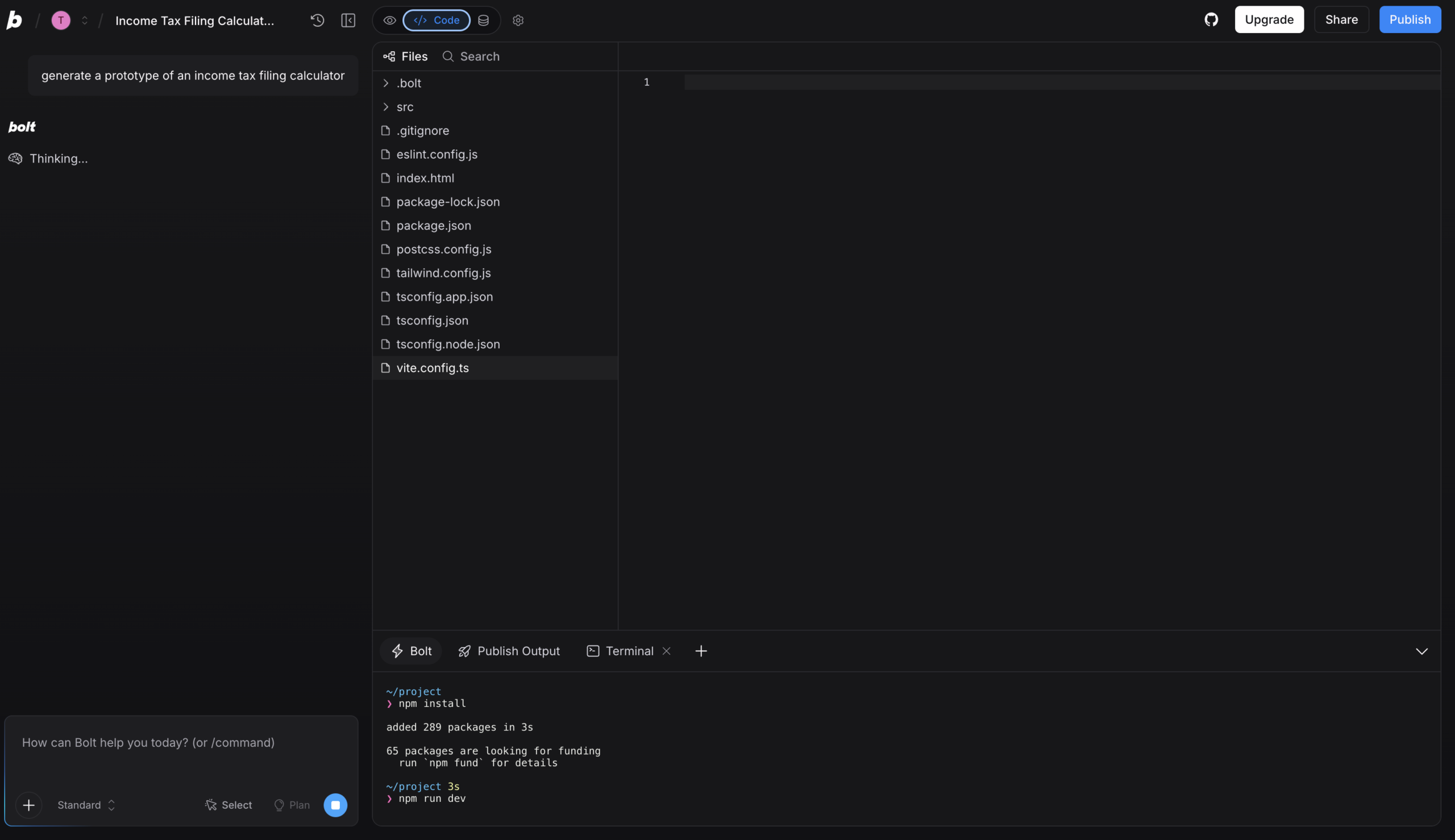
Runs Node.js and your dev environment in the browser, nothing to install locally
Agent Choice
Pick which AI agent powers each build depending on the kind of work you’re doing
Bolt Cloud
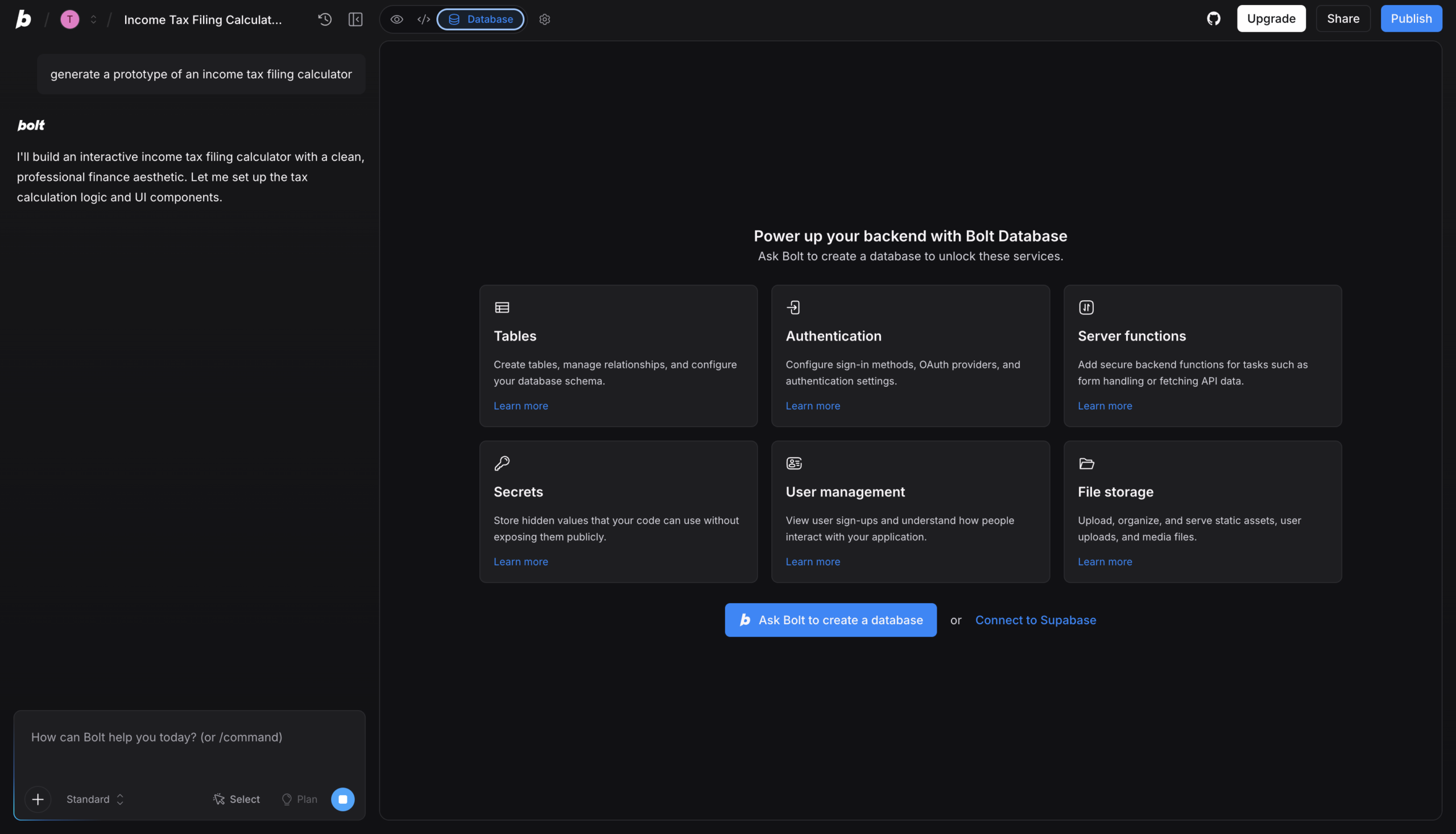
Databases, hosting and domains bundled in one project with no external accounts
Figma & Stitch Import
Turn a Figma frame or Google Stitch design into a fully functional app
Expo Mobile Builds
Build mobile apps and publish them to the app stores via the Expo integration
Design System Sync
Build with your company’s real UI components and brand guidelines from prompt one
Version History & Backups
Restore any earlier point in your project directly from the chat history
Pros and Cons
- No local setup whatsoever – the entire dev environment runs in a browser tab
- Databases, hosting and domains ship in one product instead of four separate accounts
- You own your code and can use it for any legal purpose, including commercial projects
- Rare among AI builders in supporting both web and app-store mobile output
- SOC 2 Type II compliant, plus real import paths from Figma, GitHub and Lovable
- Token-based pricing means debugging loops can burn budget fast on larger builds
- Cost of a given action isn’t always clear before you run it
- Mobile builds need the Expo integration and external tooling to reach the app stores
- Browser-based runtime limits what heavier or non-JavaScript workloads can do
- Full-stack output is JavaScript-framework bound, so other language stacks are out
Pricing Plans
Pro (Monthly)
$ 25
per month
Teams (Monthly)
$ 30
per month
Enterprise
Custom
Contact for Pricing
Customers
- Product Manager – Convert a user-research insight into a working prototype the team can click through
- Solo Entrepreneur – Build the company website and the actual product in one place without infrastructure setup
- Performance Marketer – Ship high-converting campaign landing pages with SEO and hosting already included
- Small Digital Agency – Deliver more client builds per month without adding developers to the payroll
- Design-to-Code Freelancer – Import a Figma frame and turn it into a functioning app rather than a static mockup
Company Information
StackBlitz, Inc.
2016
San Francisco, California, USA
Frequently Asked Questions
Do I need coding experience to use Bolt?
No. Describe what you want, and Bolt creates it. You make changes by chatting with it.
Do I have to install anything before starting?
No. Bolt runs in your browser and sets up the development environment for you.
Can I build mobile apps with Bolt, not just websites?
Yes. Bolt builds mobile apps and publishes them to app stores through the Expo integration.
Do I own the code Bolt generates?
Yes. The code is yours to use for any legal purpose, including commercial projects.
Can I start from an existing design instead of a blank prompt?
Yes. You can import a Figma design, a Google Stitch design, a GitHub repo, or a Lovable project.
Do I need a separate database or hosting account?
No. Bolt Cloud provides databases, hosting and domains inside the project with no external accounts.
Can I still edit the code by hand?
Yes. Experienced developers can pick frameworks, connect source control and edit directly in code view.
Can I undo a change that broke my project?
Yes. Version history in the chat lets you restore a previous point in your project.
Is Bolt suitable for business or enterprise use?
Bolt is SOC 2 Type II compliant; details are available via the Enterprise page and sales team.
Strength
Full-stack Vibecoding
rating
⭐️ 4.6
Starts At
$ 25
per month
Alternatives

V0 by Vercel
⭐️ 4.5
strength
Design-to-Production
Turn prompts, screenshots or Figma files into production-ready Next.js apps deployed on Vercel.
FROM
$ 30
per user per month
✅ Free Trial

Replit AI
⭐️ 4.7
strength
Autonomous Web/App Building
Describe an app in plain English and Replit’s agent builds, tests and hosts it in your browser.
FROM
$ 20
per month
✅ Free Trial

Lovable AI
⭐️ 4.7
strength
Prompt-to-App
Chat your idea into a live full-stack web app – real React code, database and auth included.
FROM
$ 25
per month
✅ Free Trial