

Adobe Firefly
Commercially safe generative AI for images, video, audio, and vectors.
RATED
4.7 ⭐️
strength
Generative AI Visuals
starts at
$ 10
per month
RATED
4.7 ⭐️
strength
Generative AI Visuals
starts at
$ 10
per month
Overview
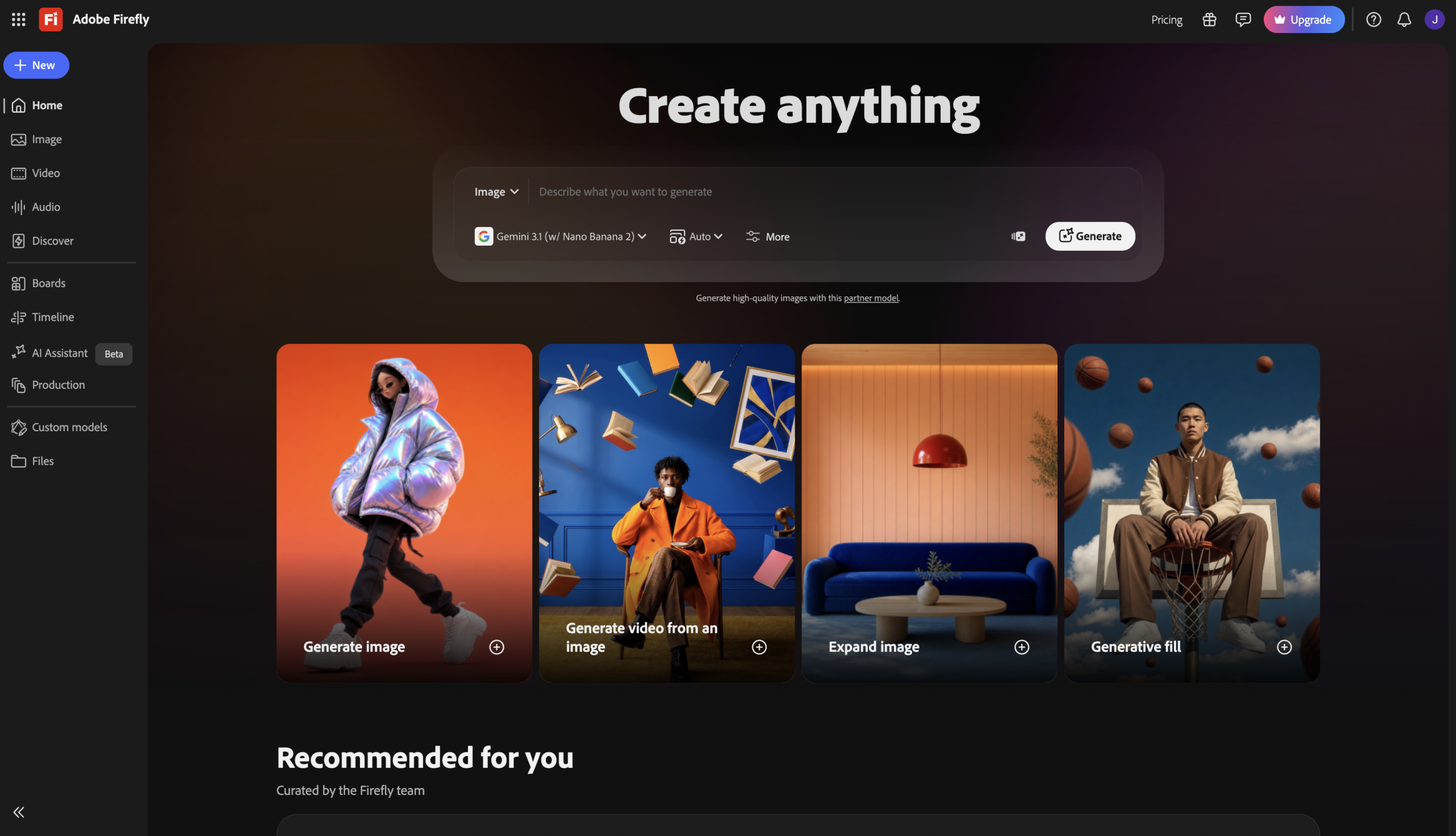
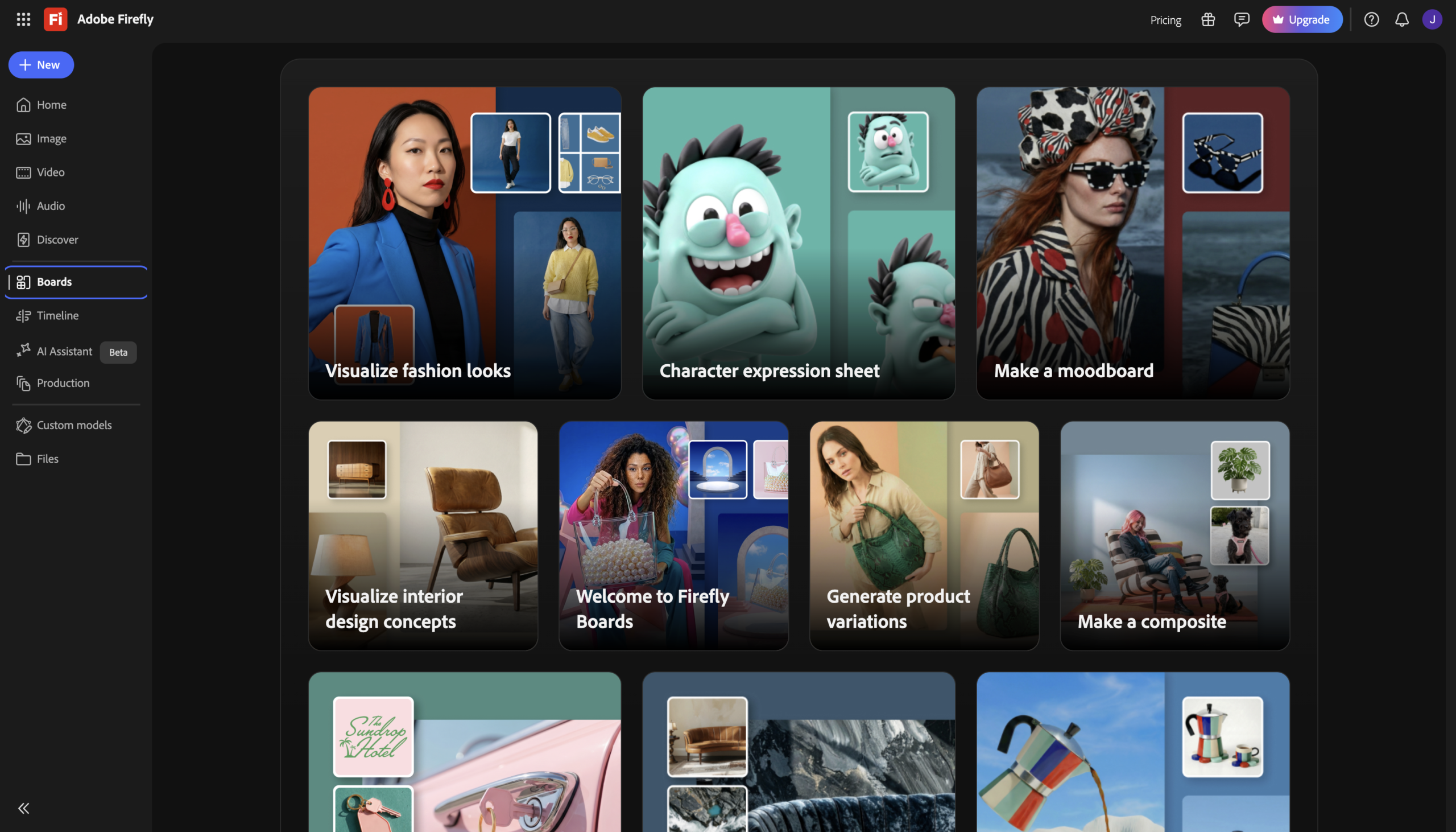
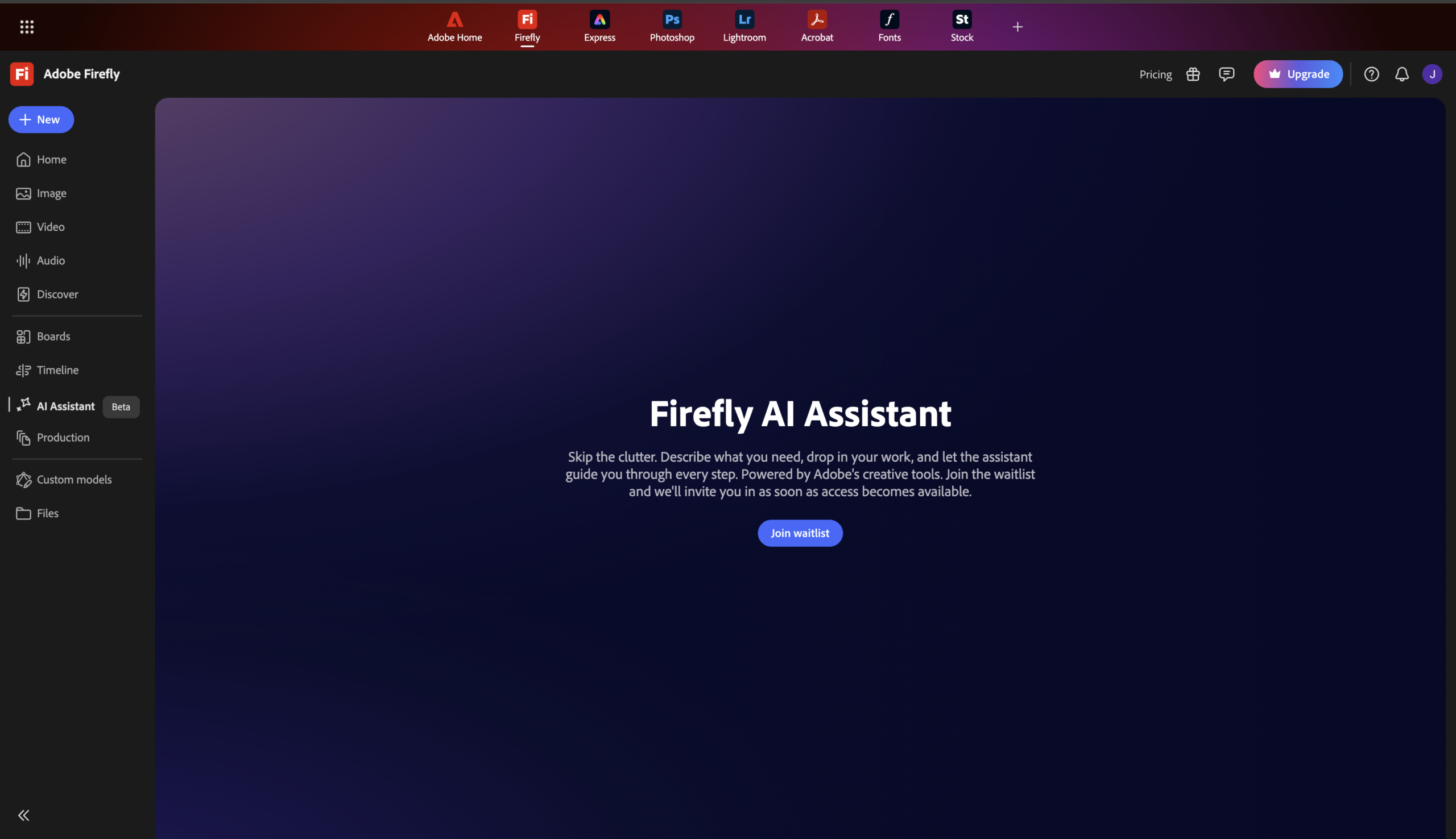
Adobe Firefly is a generative AI studio built for commercial safety. It opened up to 30+ partner models (Google, OpenAI, Runway, Flux), letting you generate, compare, and edit in one workspace
Features
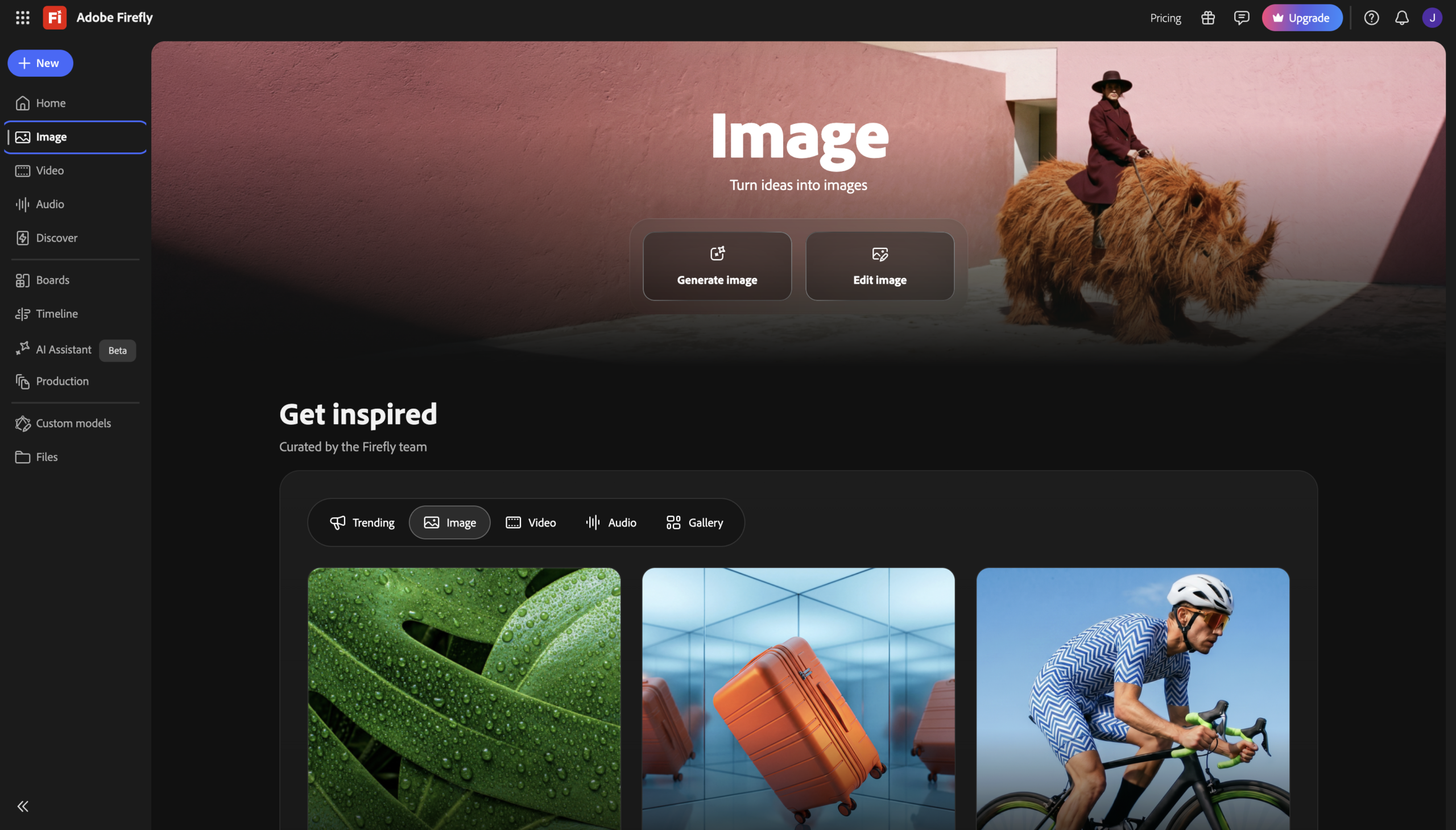
Text-to-Image
Generate photorealistic images from prompts with Adobe’s commercially safe models.
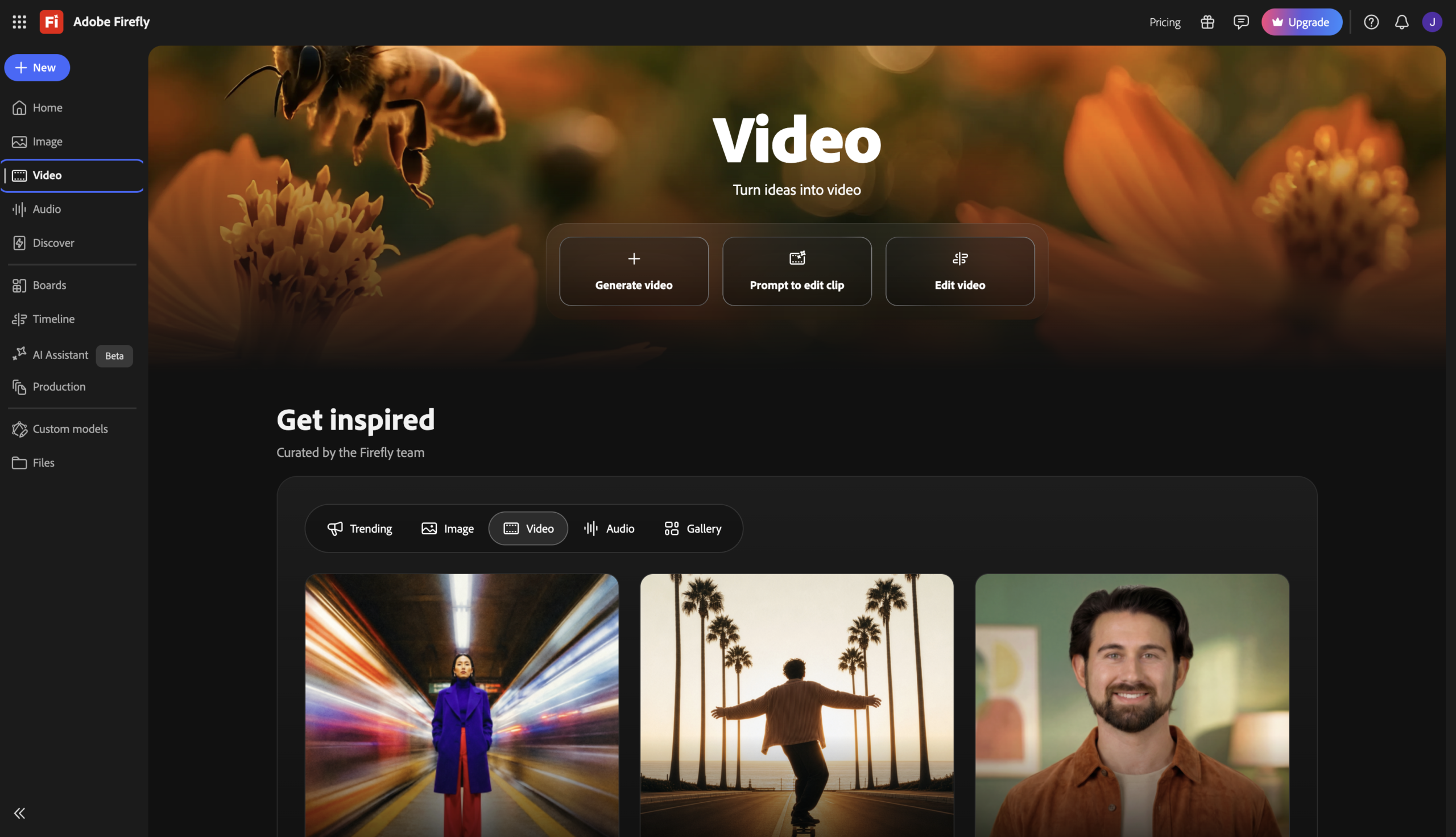
Text/Image-to-Video
Produce and extend cinematic 4K clips, integrated with Premiere Pro
Generative Fill
Adds, removes, or replaces objects in images via prompt (in Photoshop)
Vector Generation
Creates editable vector graphics; rare among AI generators
Custom Models
Trains a reusable model on your own images to lock in a style or character
Partner Model Hub
Access 30+ models (Google, OpenAI, Runway, Flux) in one workspace
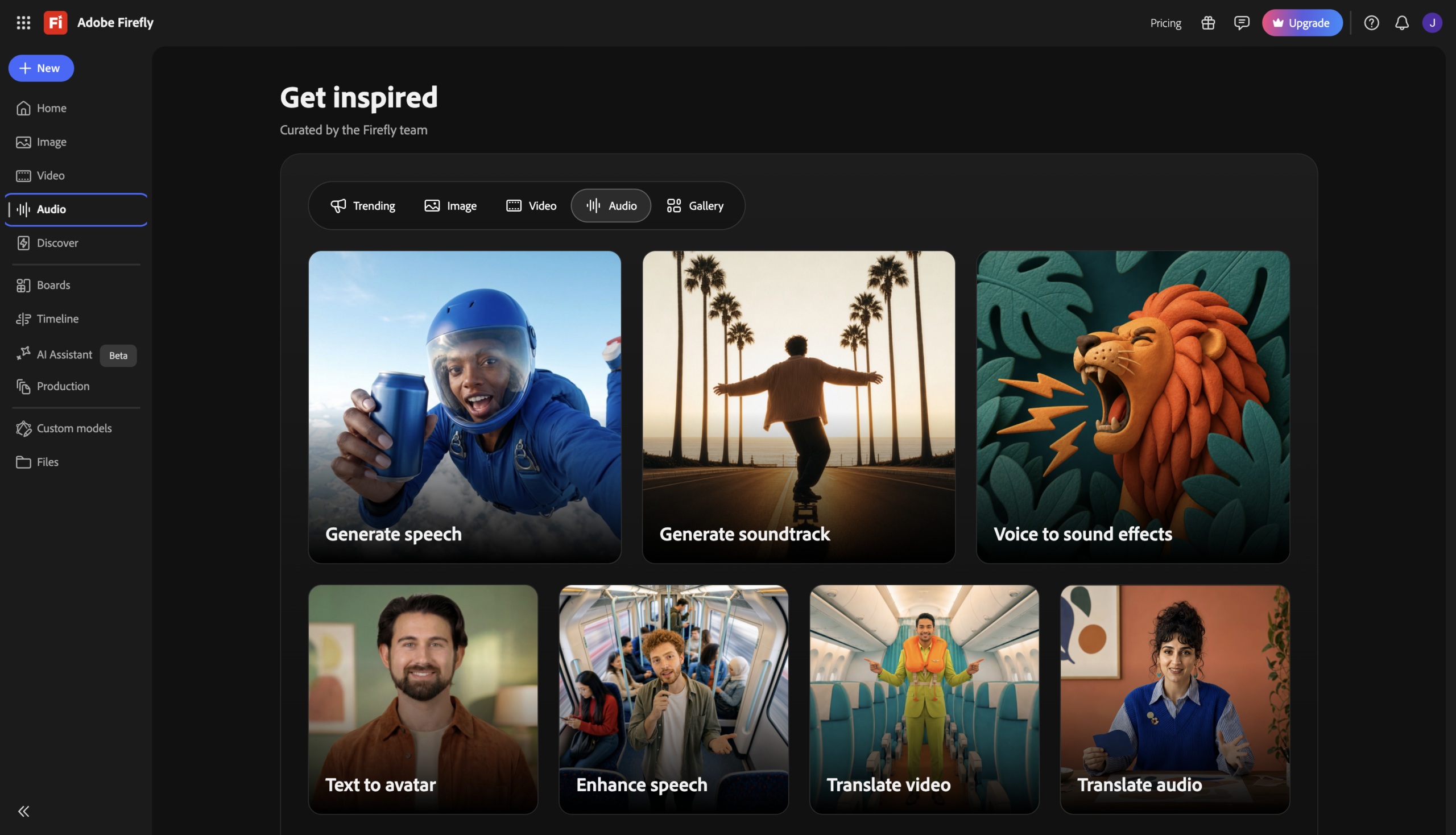
Generate Audio
Creates sound effects, soundtracks, and speech from prompts
Firefly Boards
Collaborative canvas for ideating and refining generations with a team
Pros and Cons
- Commercially safe – Trained on licensed/public-domain content, with IP indemnification on paid plans.
- Deep integration with Photoshop, Premiere Pro, and Creative Cloud.
- Access to 30+ models in one workspace, with side-by-side comparison.
- Supports vector and audio generation, not just images and video.
- IP indemnification covers only Adobe’s own models, not third-party partner models.
- Full feature set effectively requires a Creative Cloud subscription.
- AI outputs are more understated/less stylistically original than Midjourney.
- Free plan applies watermarks and excludes commercial indemnity.
Pricing Plans
Standard (Monthly)
$ 10
per month
Pro (Monthly)
$ 20
per month
Pro Plus (Monthly)
$ 50
per month
Premium (Monthly)
$ 200
per month
Customers
- Brand Marketer – Generate campaign visuals with legal peace of mind via Adobe’s IP indemnification.
- Agency Creative – Train custom models on a client’s style for consistent, on-brand generations.
- Creative Cloud Pro – Generate and refine assets, then sends them straight into Photoshop or Premiere.
- Video Editor – Fill timeline gaps and extends clips with text-to-video inside Premiere Pro.
- Small Business Owner – Replace stock photos and shoots with commercially cleared AI visuals.
Company Information
Adobe Inc.
1982
San Jose, California, USA
Frequently Asked Questions
Is Adobe Firefly commercially safe?
Yes. Non-beta outputs from Adobe’s own models are cleared for commercial use, trained on licensed and public-domain content.
What is IP indemnification?
On eligible paid plans, Adobe will defend certain copyright claims tied to Firefly-generated content.
Does the free plan allow commercial use?
Yes, but downloads are watermarked and it excludes IP indemnification.
Are beta features safe for commercial use?
Features labeled beta may be excluded from commercial-use rights and aren’t indemnified.
Can Firefly generate video?
Yes. It offers text-to-video and image-to-video, with clips extendable and exportable to Premiere Pro.
Do credits roll over?
No. Generative credits reset monthly and don’t carry over.
Can I generate vectors?
Yes. Firefly produces editable vector graphics, which most AI generators don’t support.
Does indemnity cover partner models?
No. Only Adobe’s own Firefly models are covered, not third-party models like Runway or Flux.
Strength
Generative AI Visuals
rating
⭐️ 4.7
Starts At
$ 10
per month
Alternatives
No data was found