

OpusClip
Turns one long video into 10-15 scored short clips in minutes.
RATED
4.1 ⭐️
strength
Clip repurposing
starts at
$ 15
per month
RATED
4.1 ⭐️
strength
Clip repurposing
starts at
$ 15
per month
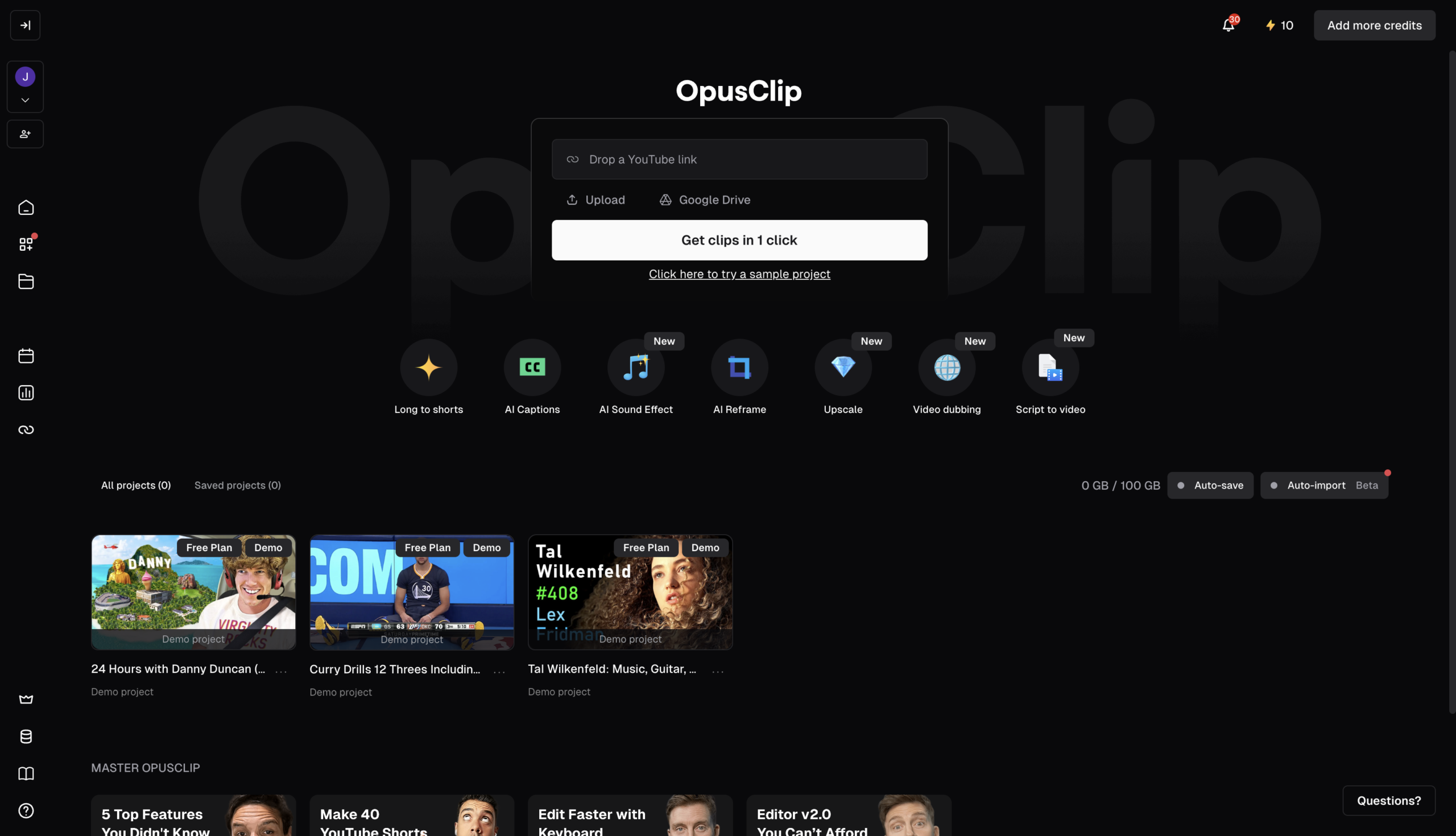
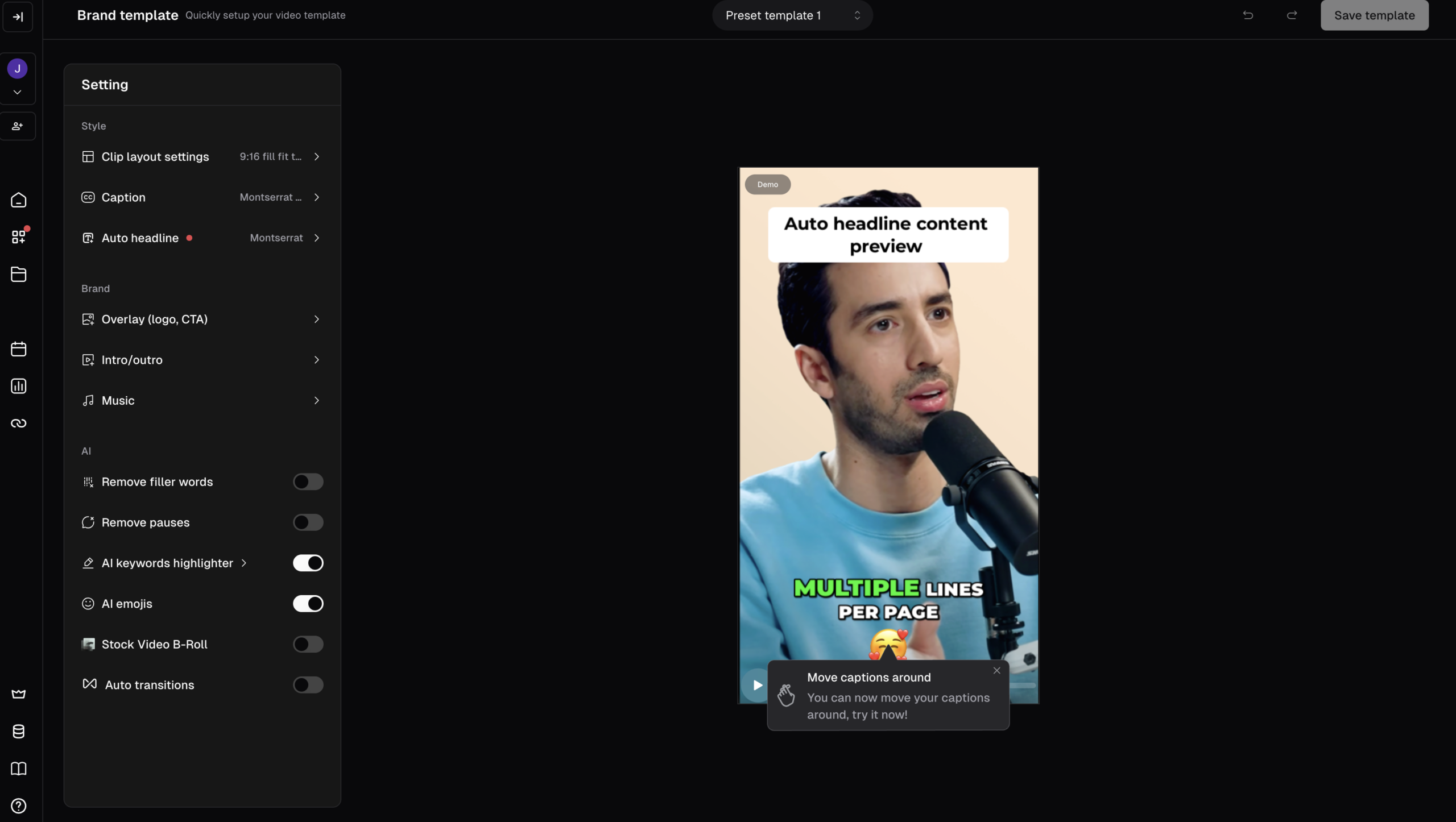
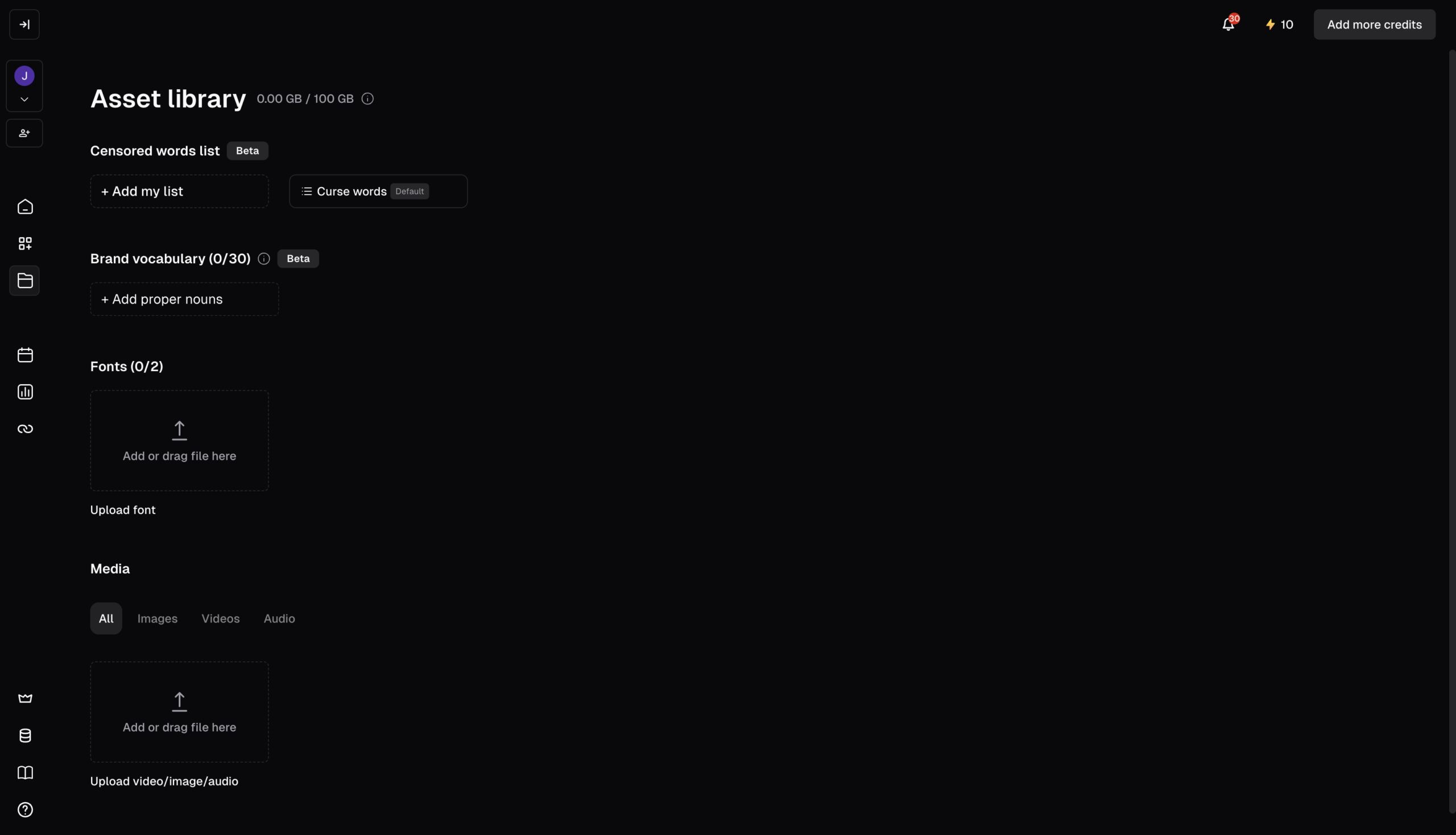
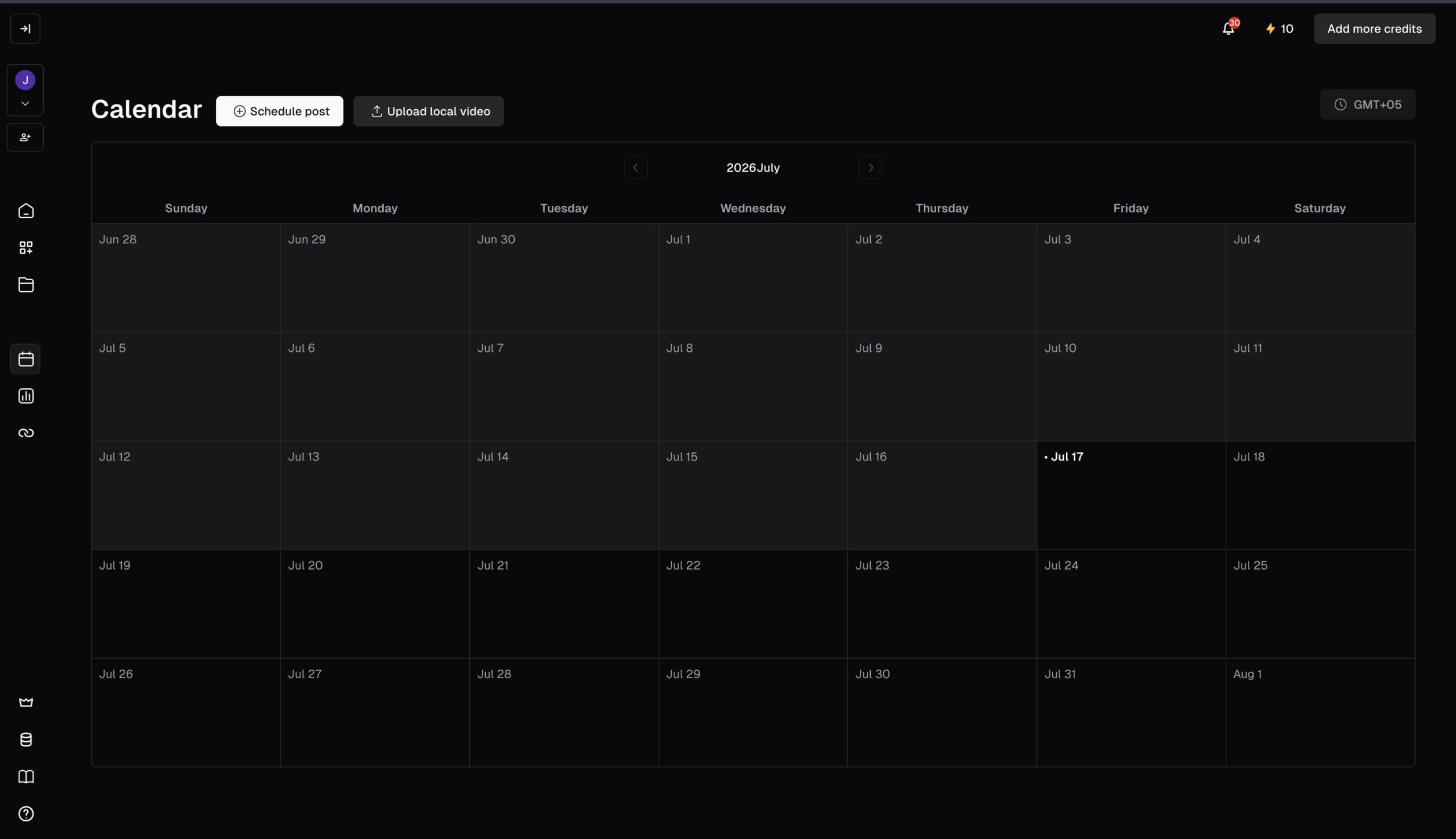
Overview
The repurposing standard. Upload a long video, podcast, or webinar and OpusClip’s ClipAnything model finds the most compelling moments, cuts 10–15 captioned shorts with topic labels, and scores each clip’s virality potential from a model trained on millions of shorts.
Features
Clip Anything
AI finds viral moments in any genre, dialogue or not, in one click
AI Reframe
Resizes to any aspect ratio, keeping moving subjects centered via object tracking
Virality Score
Ranks each clip 1–100 so you post the strongest cuts first
Animated Captions
Auto-generated at 97%+ accuracy, styled and fully editable
AI Curation
Stitches hooks and highlights from across the video into one coherent short
Social Scheduler
Publish or schedule to connected accounts without leaving the app
XML Export
Hand the AI rough cut to a pro editor’s timeline
Pros and Cons
- Best-in-class, context-aware clip selection (works on visual content, not just talking heads)
- 10 to 15 ready clips in under 20 min – strong ROI for long-form creators
- Virality scoring helps prioritize what to post
- Largest AI clipping platform (10M+ users)
- Narrow use case – repurposing only; needs existing long-form source
- Credit = 1 min of input regardless of clips produced; no overage (hard stop) and limited rollover
- Cancelling can delete projects within ~3 days; 3-day export expiry on free
Pricing Plans
Starter (Monthly)
$ 15
per month
Pro (Monthly)
$ 29
per month
Business
Custom
Contact for Pricing
Customers
- Podcast Producer – Turn 2-hour episodes into a week of shorts without a manual editing pass
- Solo Creator – Reframe long YouTube uploads into vertical Shorts and TikToks in one click
- Agency Content Manager – Batch-clip client footage and schedules posts across brand accounts
- B2B Marketing Lead – Cut webinars and demo recordings into captioned social proof clips
- Media/News Team – Pulls broadcast-quality highlight moments from live streams and interviews fast
Company Information
OpusClip (Opus Pro)
2022
Palo Alto / San Francisco Bay Area, California, USA
Frequently Asked Questions
What kinds of video can OpusClip actually handle?
ClipAnything is designed to work beyond video podcasts – talking-head content like podcasts and interviews, plus vlogs, sports, TV shows, and videos with little or no dialogue, by reading visual, audio, and sentiment cues.
Do I have to pick the moments myself?
No. The AI scans the video and surfaces the moments it flags as highlights, though you can also use natural-language prompts to pull a specific moment.
What is the virality score and should I trust it?
Each clip gets a score from 1 to 100 representing the AI’s estimate of social performance – it’s a guide, not a guarantee, so treat it as directional rather than definitive.
How accurate are the captions?
OpusClip adds captions automatically at over 97% accuracy, and the text is fully editable.
Which languages are supported?
English, German, Spanish, French, Portuguese, Italian, Dutch, Russian, Polish, Indonesian, Ukrainian, Swedish, Turkish, Norwegian, Croatian, Romanian, Slovak, Greek, Danish, Finnish, Hungarian, Czech, Japanese, Korean, Vietnamese, with more planned.
How does it handle horizontal footage for vertical platforms?
The AI reframe model resizes video for any platform and keeps moving subjects centered using object tracking; manual tracking is available if you want to tell the AI exactly what to follow.
Can I publish directly, or do I have to download and re-upload?
OpusClip publishes to social platforms in one click from the web app, and supports scheduling batches plus team access via dashboard or API.
Can I take clips into a real editor afterwards?
Yes – XML export is supported for handoff to professional editing timelines.
Is there a free way to test it?
The freemium plan includes 60 minutes of monthly processing with access to core features.
Strength
Clip repurposing
rating
⭐️ 4.1
Starts At
$ 15
per month
Alternatives

VEED
⭐️ 4.5
strength
Browser video editor
Browser-based AI video editor; captions, avatars, eye-contact correction.
FROM
$ 9
per month
✅ Free Trial

CapCut
⭐️ 4.0
strength
Video editing
ByteDance’s go-to Shorts editor with Magic Studio AI features.
FROM
$ 10
per month
✅ Free Trial

Descript
⭐️ 4.5
strength
Text-based video editing
Text-based video/audio editing with AI agent.
FROM
$ 24
per person per month
✅ Free Trial