

Submagic
Short-form-native tool for cinema-quality animated captions.
RATED
4.4 ⭐️
strength
AI captions
starts at
$ 19
per member per month
RATED
4.4 ⭐️
strength
AI captions
starts at
$ 19
per member per month
Overview
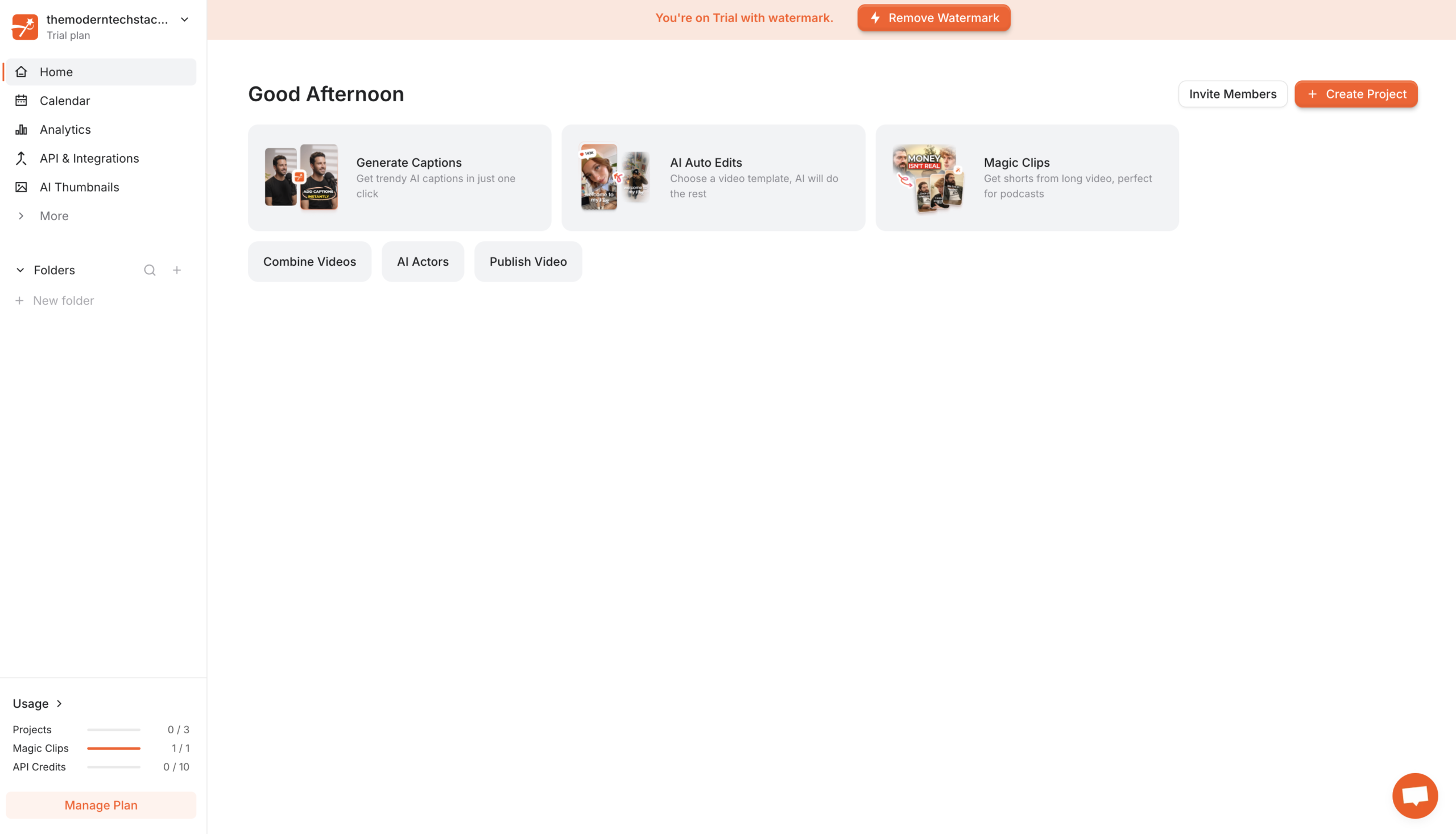
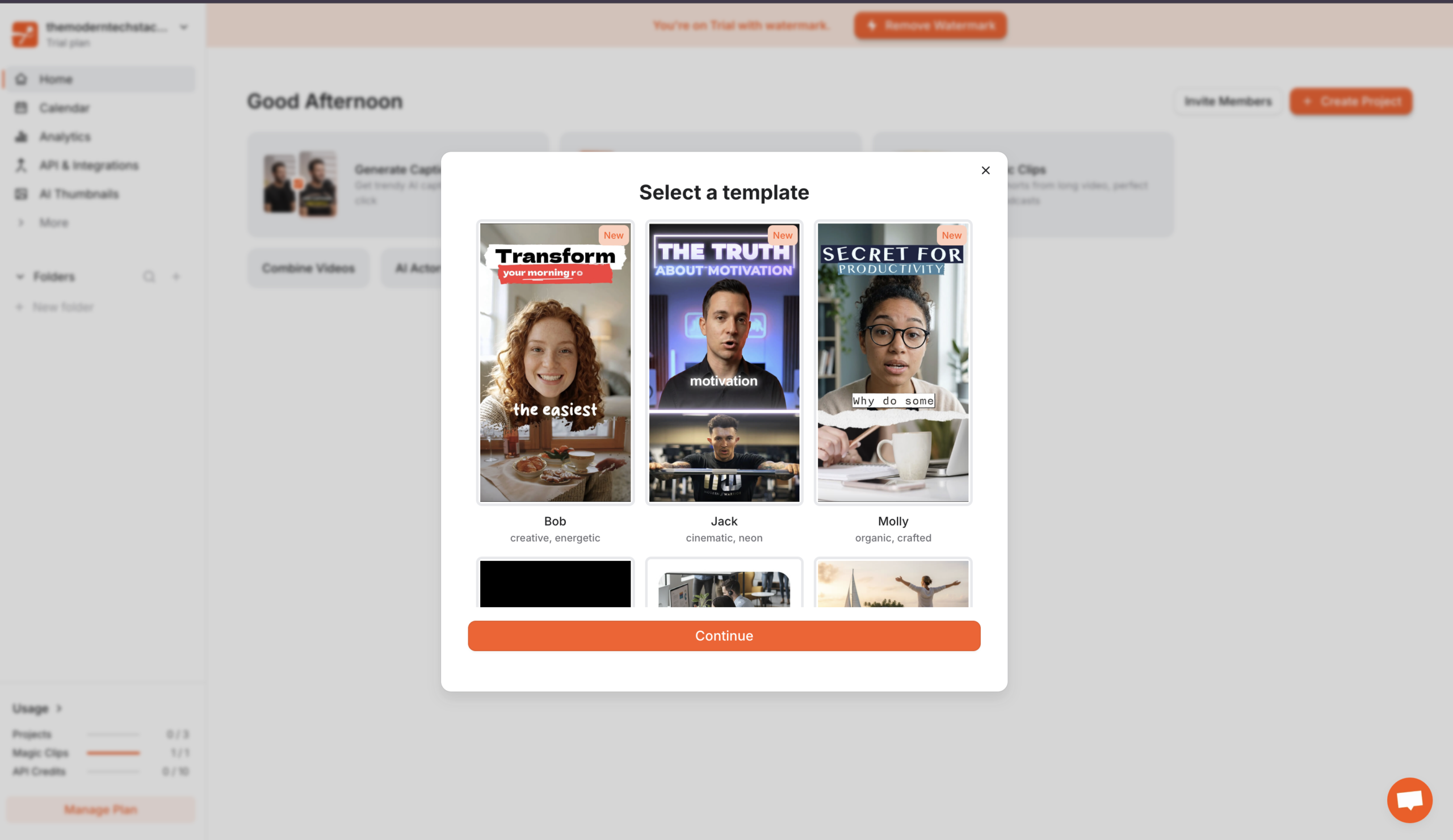
A short-form-native tool built for viral captions. Submagic is best known for cinema-quality animated captions (creator-style templates at ~99% accuracy across 48 languages), plus auto B-roll, sound effects, and emoji timed to speech.
Features
AI Captions
99% accuracy across 48 languages, animated and brand-styled
Magic B-Rolls
Auto-inserts contextual Storyblocks footage, GIFs, and images in one click
Magic Zoom
Cinematic zooms on talking segments with no manual keyframing
Magic Clips
Add-on that pulls 15–20 scored shorts from long-form video
Transcript Editing
Cut footage by deleting text, not scrubbing a timeline
Brand Kit
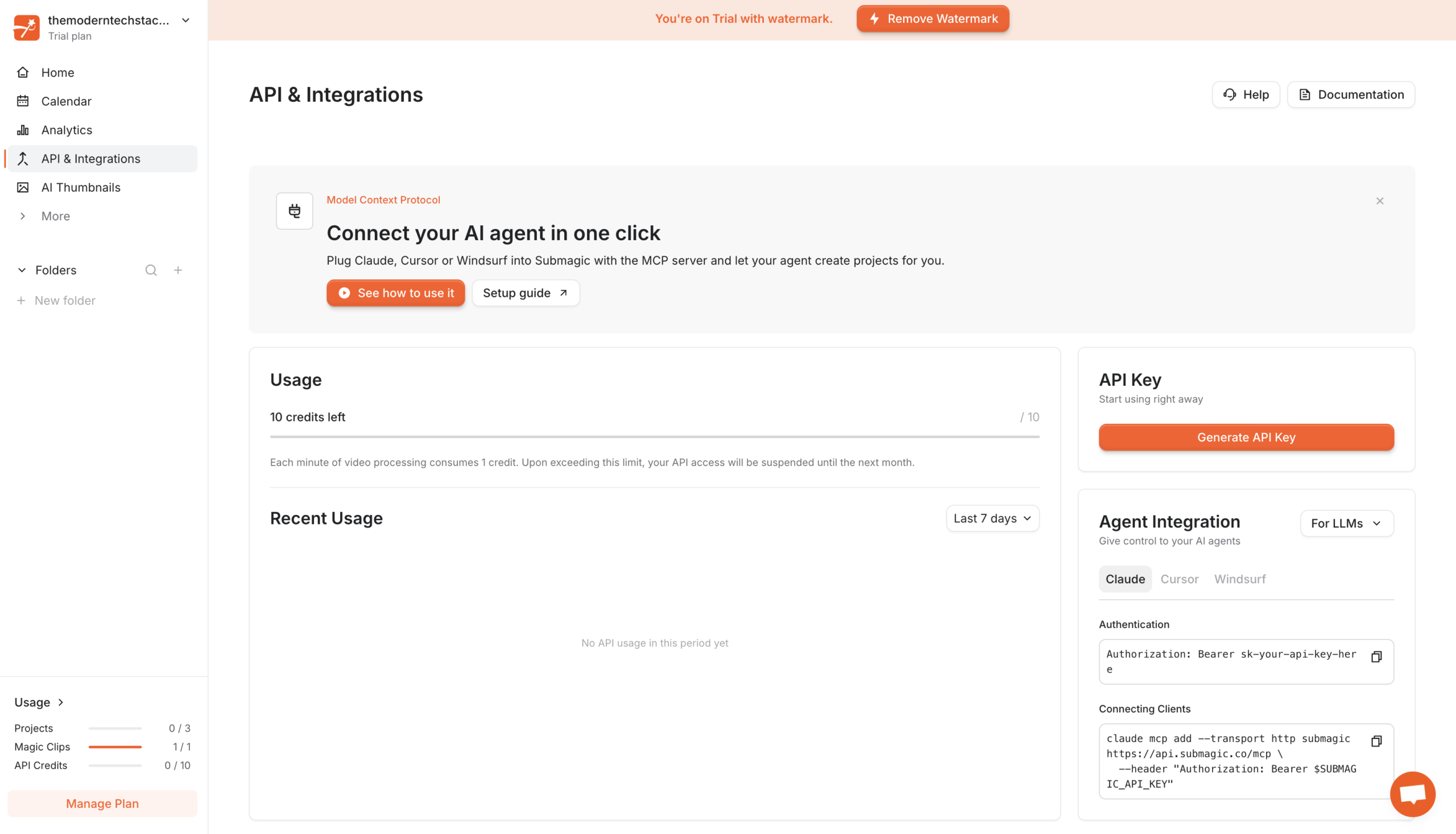
Per-client fonts, colors, and logos applied automatically, with API access
Scheduled Publishing
Pick a date and platform, post direct from the editor
Pros and Cons
- Best-in-class animated captions (the reason creators pick it)
- Purpose-built for Shorts/Reels – fast, 3-click workflow
- Auto B-roll adds production value without manual sourcing
- Free plan (3 videos/mo) to test; bootstrapped, product-first
- Narrow – captions/short-form focus; weak for long-form editing
- Magic Clips is a perpetual add-on cost (~$19/mo on top)
- Credit system on advanced AI features; 2-min video cap on entry tier
- Lightly documented company; smaller team/support surface
Pricing Plans
Starter (Monthly)
$ 19
per member per month
Pro (Monthly)
$ 39
per member per month
Business
$ 69
per member per month
Customers
- Short-Form Creator – Turn raw phone footage into captioned, B-rolled Reels in three clicks.
- Podcast Host – Run Magic Clips on 45-min episodes to pull 15–20 captioned shorts
- Agency Editor – Save per-client brand kits so every deliverable stays on-brand automatically
- Faceless Channel Operator – Ship lip-synced AI avatar videos without filming or hiring talent
- Solo Founder – Publishes to TikTok, Reels, and Shorts on a schedule from inside the editor
Company Information
Turbo Studio
2023
Paris, France
Frequently Asked Questions
How accurate are the captions and in how many languages?
Submagic claims 99% caption accuracy across 48 languages – roughly 3 errors on a 300-word video. Some reviews report 98.8% and cite 100+ language support on the speech-to-text engine.
What is Magic B-Rolls and does it actually work?
One click and the AI inserts contextually relevant B-roll, GIFs, and stock images from its library based on what the speaker is saying, pulling from Storyblocks.
What’s the difference between Magic Clips and the core editor?
The core editor works on a short video you upload. Magic Clips is a separate add-on (around +$12/month annual) that analyzes long-form content – podcasts, webinars, interviews – extracts high-engagement moments, scores them, and auto-frames vertical.
How do I edit – timeline or transcript?
Transcript-based. Delete a sentence from the transcript and the matching footage disappears; fix a caption word and it updates on screen.
What does the AI Auto-Edit pass actually do in one click?
Applies animated captions, removes silences and filler words, inserts Storyblocks B-roll, adds cinematic zooms at key moments, and generates a hook title – roughly 2–5 minutes for a typical 3-minute video. Each toggle works independently.
What can I upload, and how big?
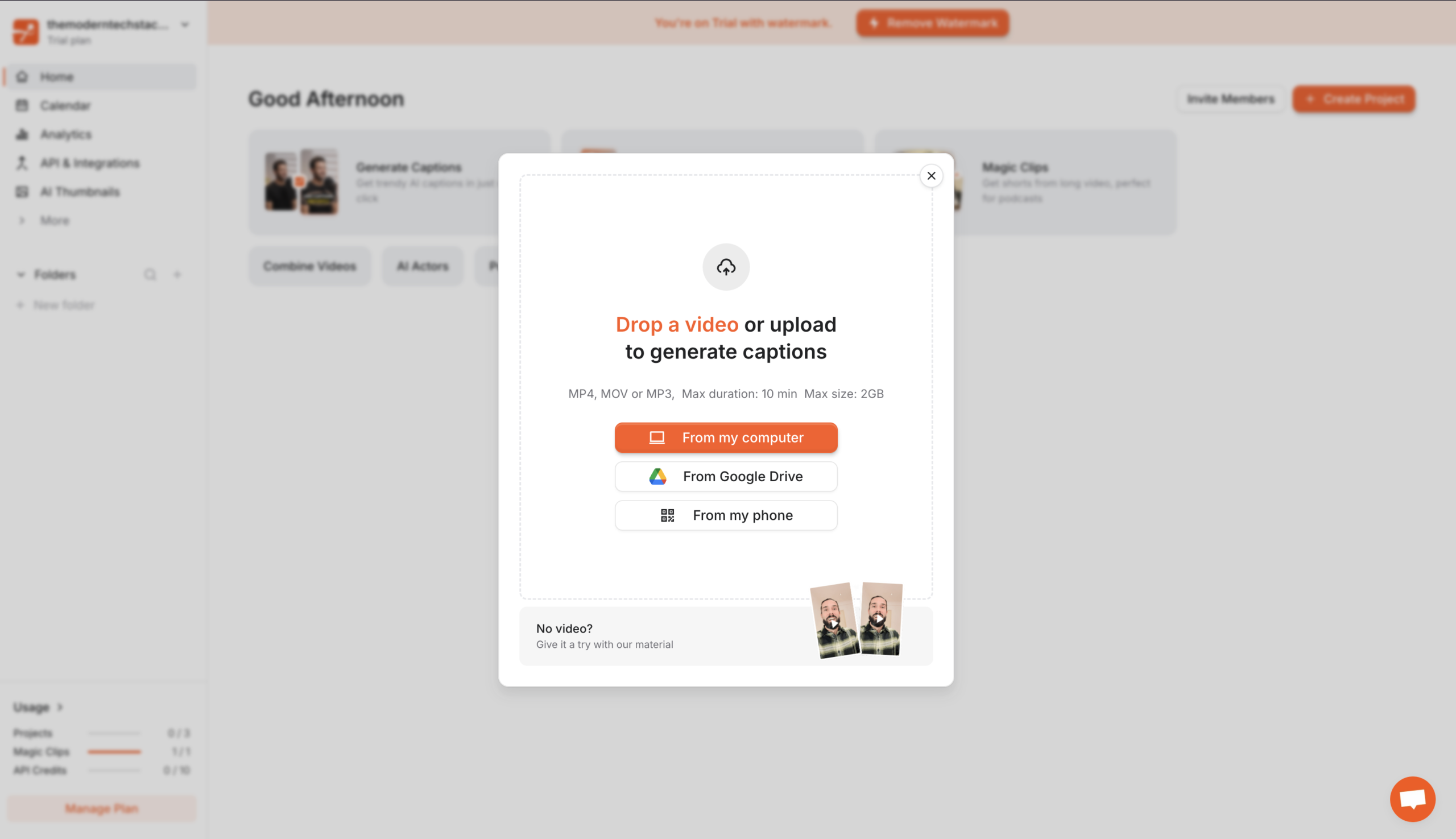
MP4 or MOV up to 3GB via drag-and-drop, phone QR scan, or Google Drive import. With Magic Clips you can paste a YouTube URL directly, no download needed.
How does the brand kit work for agencies?
Upload custom fonts, brand colors, and your logo, and every caption you generate uses that identity automatically. Agencies can save per-client brand kits, with API access.
What export options do I get?
Export at 1080p, 2K, or 4K depending on plan; you can also download the SRT, export subtitles only, copy the subtitles, or add keywords to the dictionary.
Where does it lose to a dedicated clipping tool?
Magic Clips output is described as solid but not exceptional – dedicated tools like Opus Clip offer more editorial control over which moments get picked. Submagic’s advantage is that you never leave the workflow. Auto-zoom and sound effects need less correction than B-roll.
Strength
AI captions
rating
⭐️ 4.4
Starts At
$ 19
per member per month
Alternatives

OpusClip
⭐️ 4.1
strength
Clip repurposing
Turns one long video into 10-15 scored short clips in minutes.
FROM
$ 15
per month
✅ Free Trial

CapCut
⭐️ 4.0
strength
Video editing
ByteDance’s go-to Shorts editor with Magic Studio AI features.
FROM
$ 10
per month
✅ Free Trial

Captions
⭐️ 4.1
strength
Mobile A-roll
Mobile-first AI video studio (by Mirage): captions, AI actors, editing.
FROM
$ 25
per month
✅ Free Trial