

Captions
Mobile-first AI video studio (by Mirage): captions, AI actors, editing.
RATED
4.1 ⭐️
strength
Mobile A-roll
starts at
$ 25
per month
RATED
4.1 ⭐️
strength
Mobile A-roll
starts at
$ 25
per month
Overview
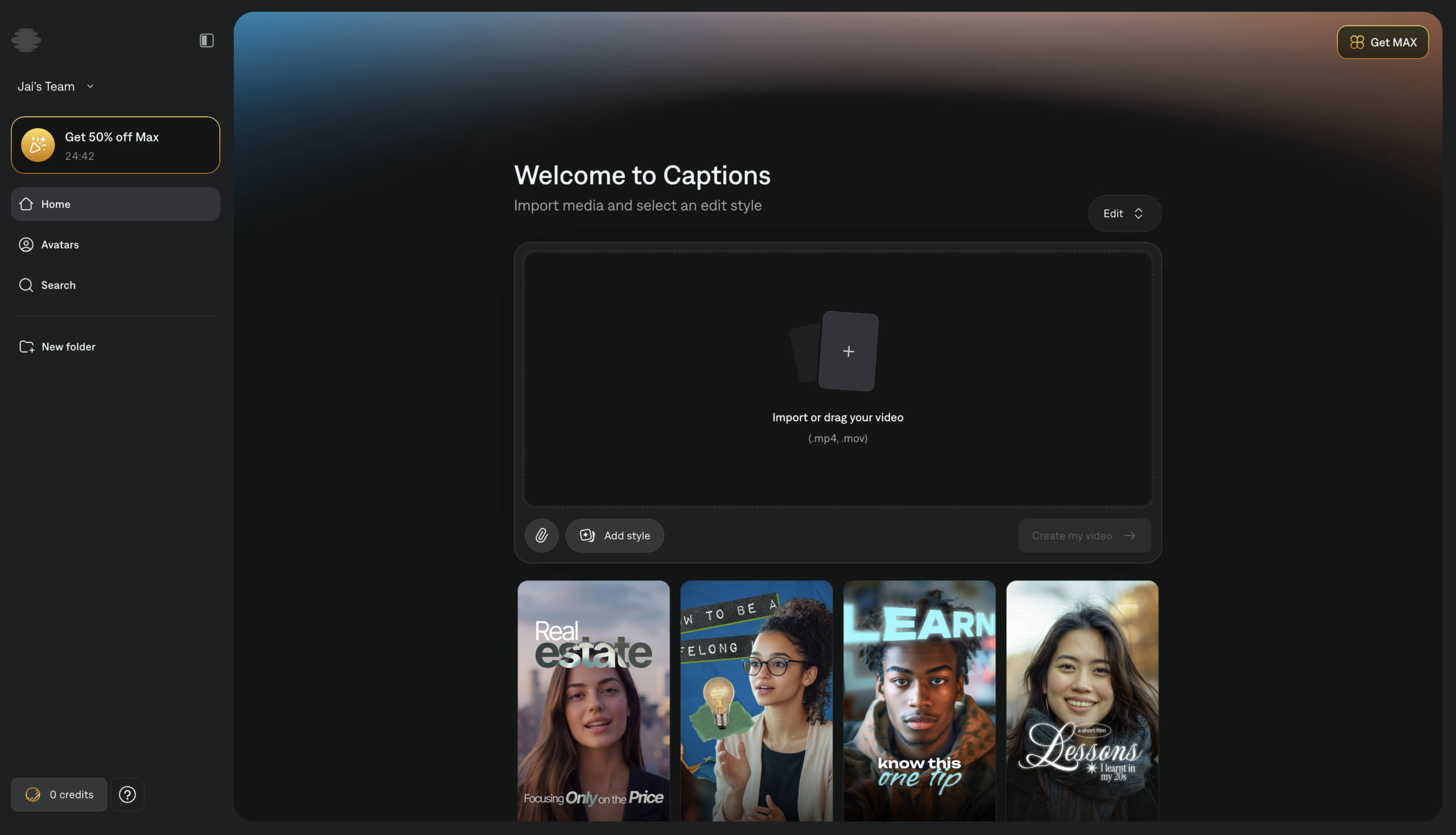
A mobile-first AI video studio (parent company now Mirage). Captions cleans up talking-head footage. Captions in 100+ languages, eye-contact correction, filler removal and generates AI actors/avatars via Mirage Studio. Built for creators filming themselves on a phone.
Features
AI Edit
Applies a full visual style with zooms, B-roll, and transitions in one action
AI Twin
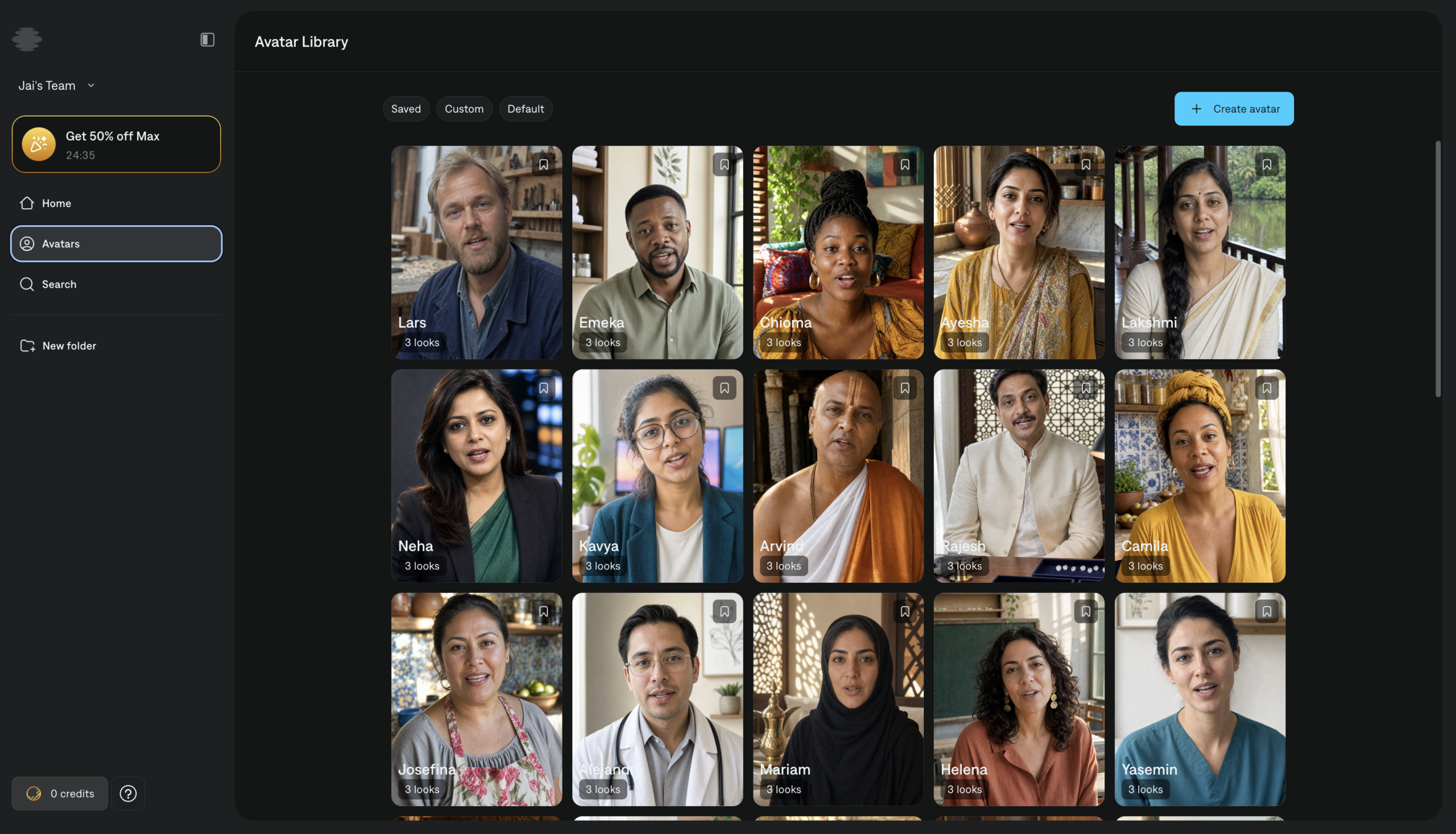
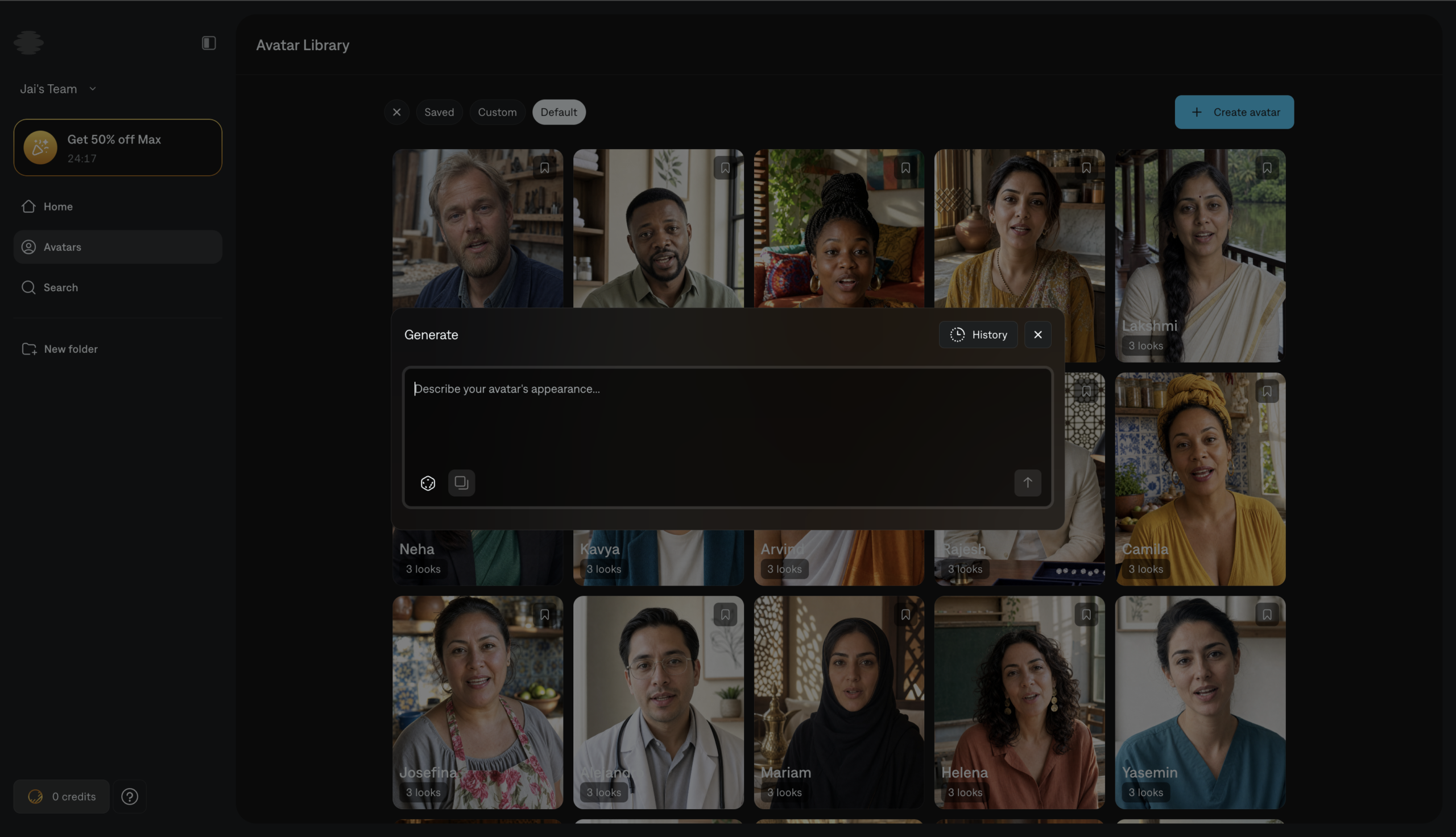
One selfie becomes a reusable digital avatar across AI Creator and Mirage
Lip-Sync Dubbing
Translate into 30+ languages with mouth movement matched to new audio
Chat Editor
Describe the edit in plain text and the AI executes it
AI Eye Contact
Fixes off-camera glances, now applied per-shot
Social Studio
Paste a URL and AI plans, creates, and publishes the videos
AI Fast Fixes
One tap to cut fillers, denoise, or swap backgrounds
Pros and Cons
- Excellent mobile A-roll cleanup and captioning
- Strong eye-contact correction for reading off-script
- Generative AI actors (Mirage Studio) beyond simple avatars
- Credits roll over up to 3× the monthly allowance
- Mobile/iOS-centric – listed prices are iOS plans; less desktop depth
- Credit system gates all AI features
- Narrower than full editors; not for timeline-heavy or long-form work
Pricing Plans
Max
$ 25
per month
Scale
$ 70
per month
Enterprise
Custom
Contact for Pricing
Customers
- Mobile-First Creator – Shoot and edit talking-head Reels entirely on iPhone with AI Edit styles
- UGC Ad Producer – Generate AI actors and product-demo ads without filming or casting talent
- Global Creator – Dub videos into 30+ languages with lip-sync so footage matches the new audio
- Faceless Brand Operator – Spin an AI Twin from one selfie and posts consistently without going on camera
- Solo Marketer – Paste a website URL into Social Studio and lets AI plan, create, and post videos
Company Information
Mirage
2021
New York, USA
Frequently Asked Questions
Is this only a captions app?
No, the name is misleading. It started with captions, but the platform now handles the full arc from raw footage to finished video: cutting scenes, layering B-roll, transitions, music, captions in 100+ languages, and dubbing into 30+. It’s now branded under Mirage.
What does AI Edit actually do?
It applies a chosen visual style to an entire video in one action – reading your video and script, then adding zooms on key points, clean transitions, relevant B-roll, and sound effects. Style options include Poem, Neon, Blueprint, Recess, Modern, Vinyl, and Minimalist.
How does the dubbing work – is it just a voiceover?
Both. Translation and dubbing cover 30+ languages while preserving the original speaker’s tone, with voiceover and lip-sync dubbing options so your mouth matches the new language.
What is AI Twin and how much do I need to give it?
One selfie creates your digital avatar – you can then change outfits, settings, or details. AI Twin is now available in the web app and works across AI Creator and Mirage.
Can I edit without touching a timeline?
Yes. The chat-based editor lets you edit entirely through text prompts – open a project, type into the chat box at the bottom of the editor, and describe your change.
Which one-tap fixes are available?
Cut filler words and pauses, remove background noise (AI Denoise), correct eye contact alignment, remove or replace backgrounds, and AI Censor for unwanted audio or visuals. Eye contact and denoise can now be applied per-shot rather than to the whole video.
Phone-only or does it run on desktop?
Both. Sign up in a browser to start online, or download from the App Store or Google Play. Mirage Studio has been merged into Captions, so existing projects and actors carry over.
Can it turn long content into shorts?
Yes. AI Shorts converts long-form footage into vertical clips, and Reddit to Reel does the same from Reddit threads.
How does billing work across the AI features?
A unified credits system runs across AI features – Transcription, AI Edit, dubbing, and Twin generation. It’s free to sign up and some features work unsubscribed, but the best ones need a plan.
Strength
Mobile A-roll
rating
⭐️ 4.1
Starts At
$ 25
per month
Alternatives

VEED
⭐️ 4.5
strength
Browser video editor
Browser-based AI video editor; captions, avatars, eye-contact correction.
FROM
$ 9
per month
✅ Free Trial

CapCut
⭐️ 4.0
strength
Video editing
ByteDance’s go-to Shorts editor with Magic Studio AI features.
FROM
$ 10
per month
✅ Free Trial

Descript
⭐️ 4.5
strength
Text-based video editing
Text-based video/audio editing with AI agent.
FROM
$ 24
per person per month
✅ Free Trial