

VEED
Browser-based AI video editor; captions, avatars, eye-contact correction.
RATED
4.5 ⭐️
strength
Browser video editor
starts at
$ 9
per month
RATED
4.5 ⭐️
strength
Browser video editor
starts at
$ 9
per month
Overview
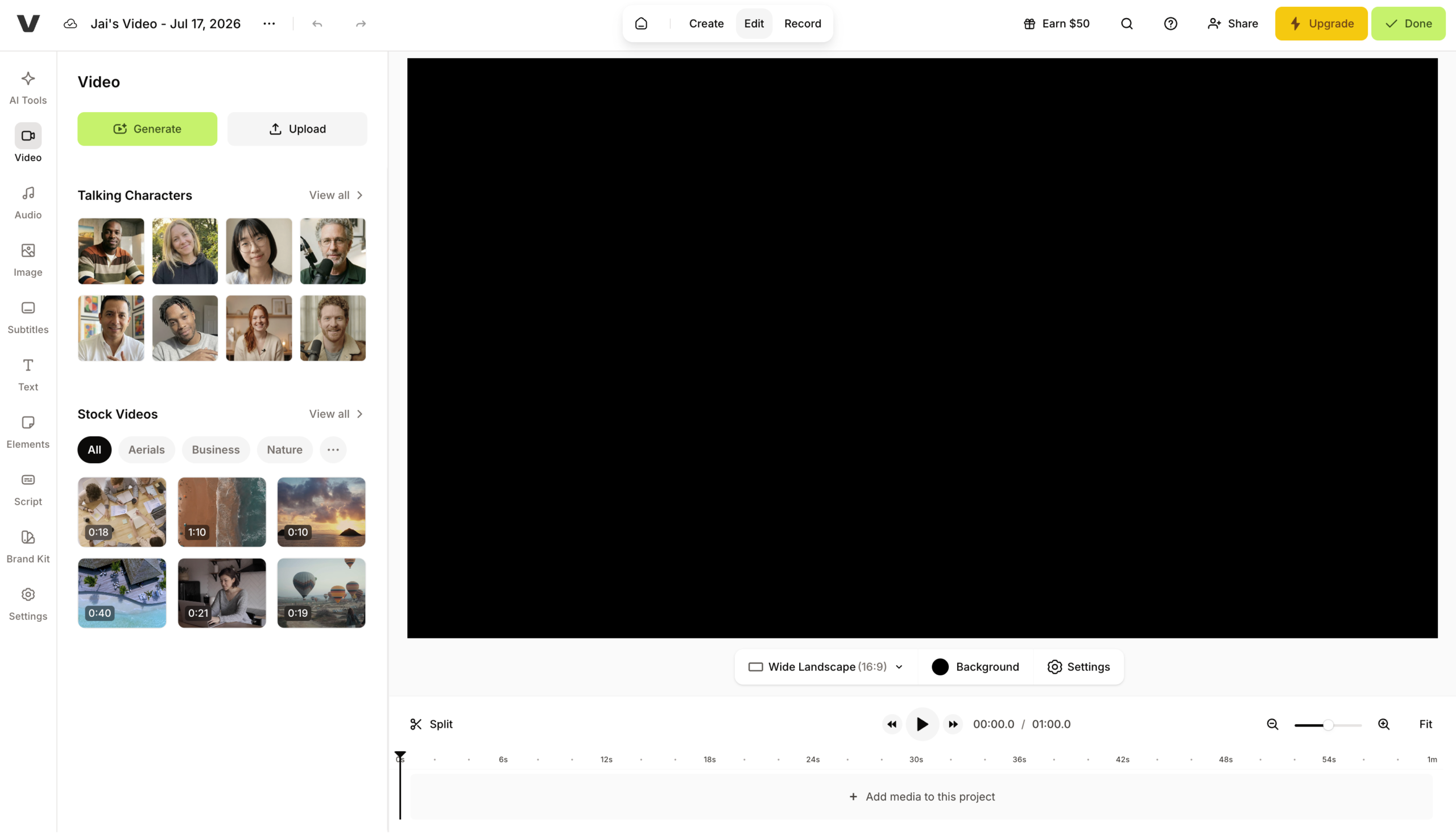
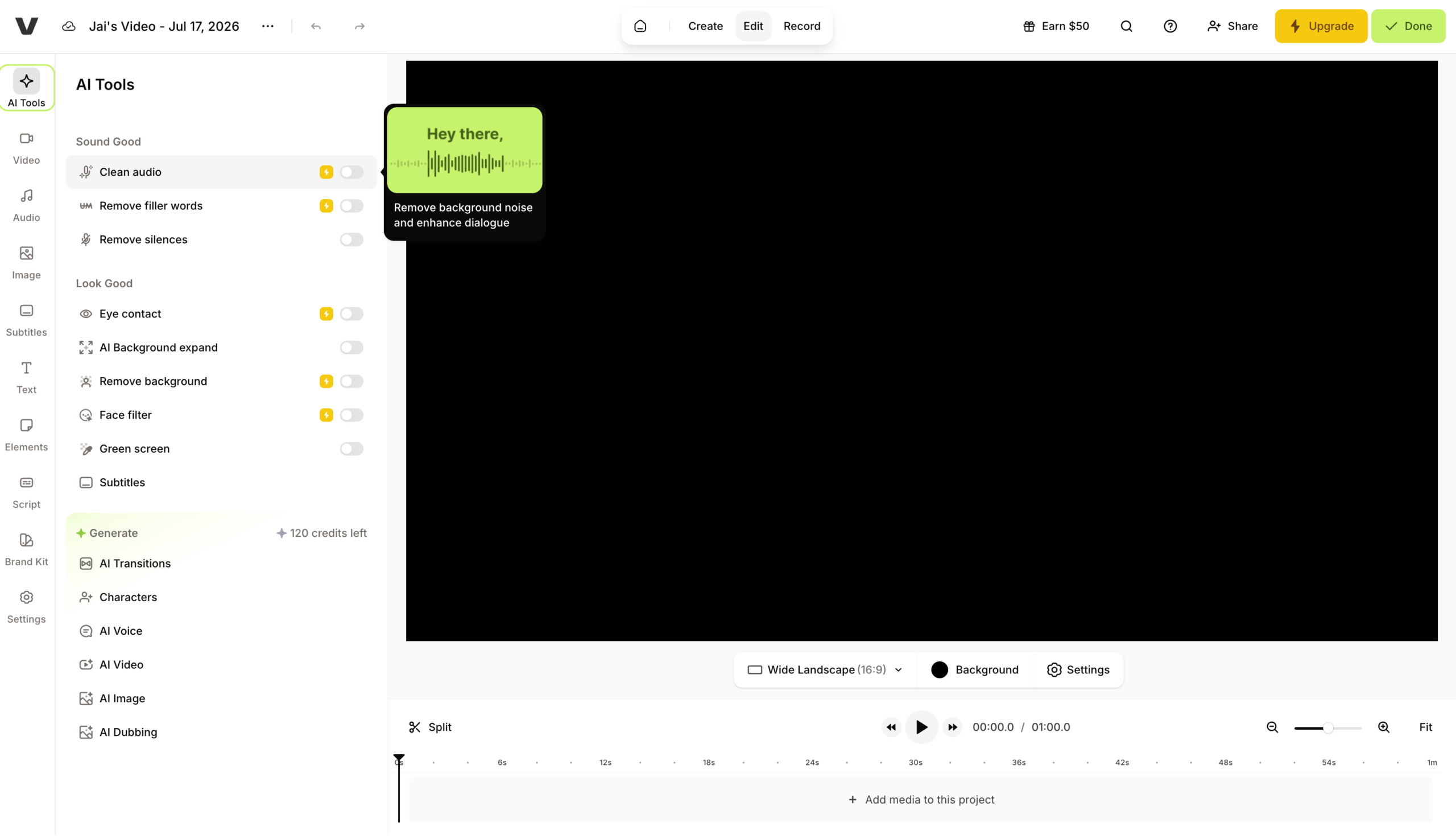
A browser-based AI video editor with the best balance of features and ease for non-pros. VEED does auto-subtitles in 100+ languages, AI Clips repurposing, background/noise removal, AI avatars, and eye-contact correction – all in-browser with strong team collaboration.
Features
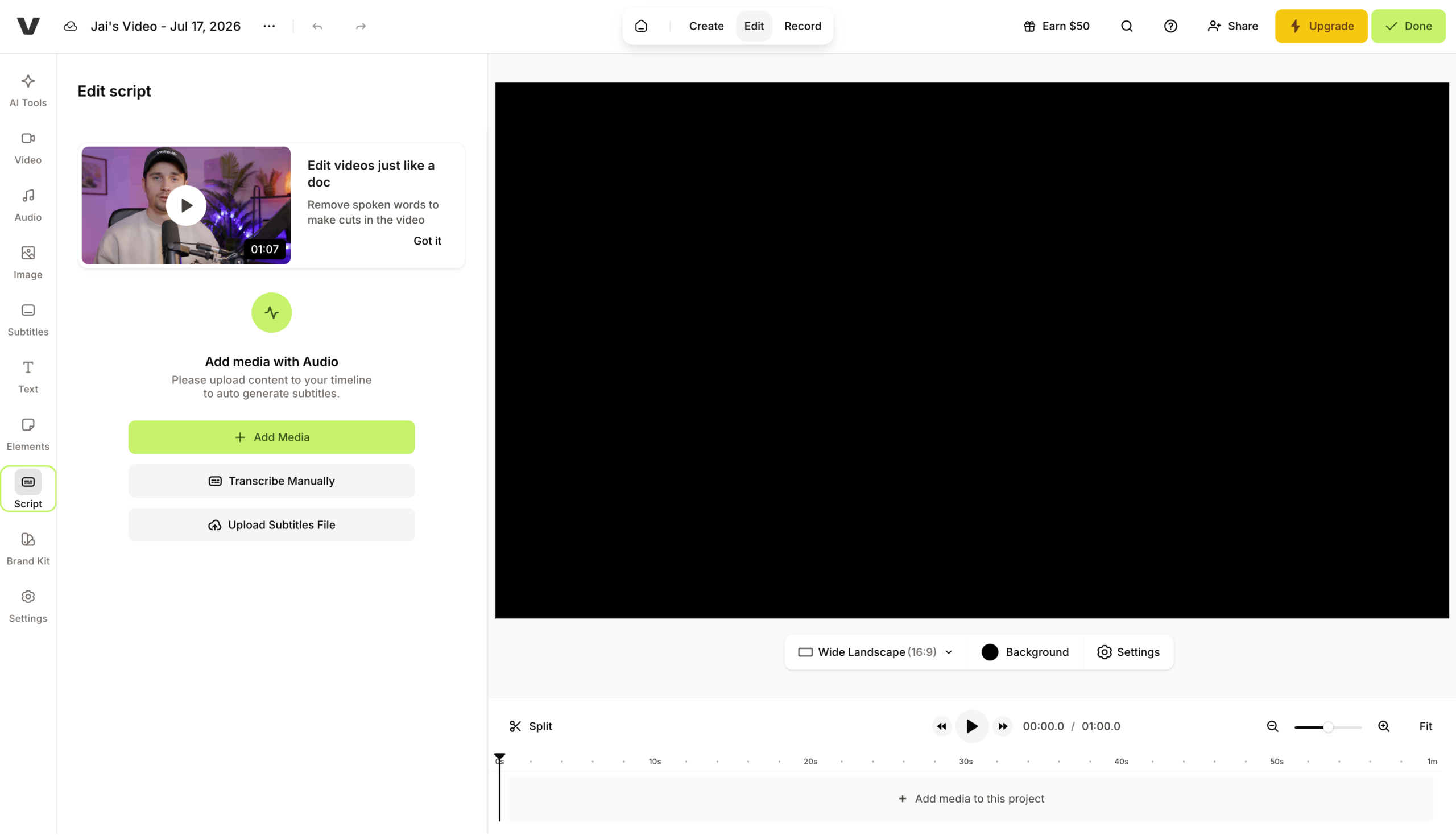
Auto Subtitles
High accuracy across languages, generated in one click
Magic Cut
Strips filler and keeps highlights automatically to lift retention
AI Avatars
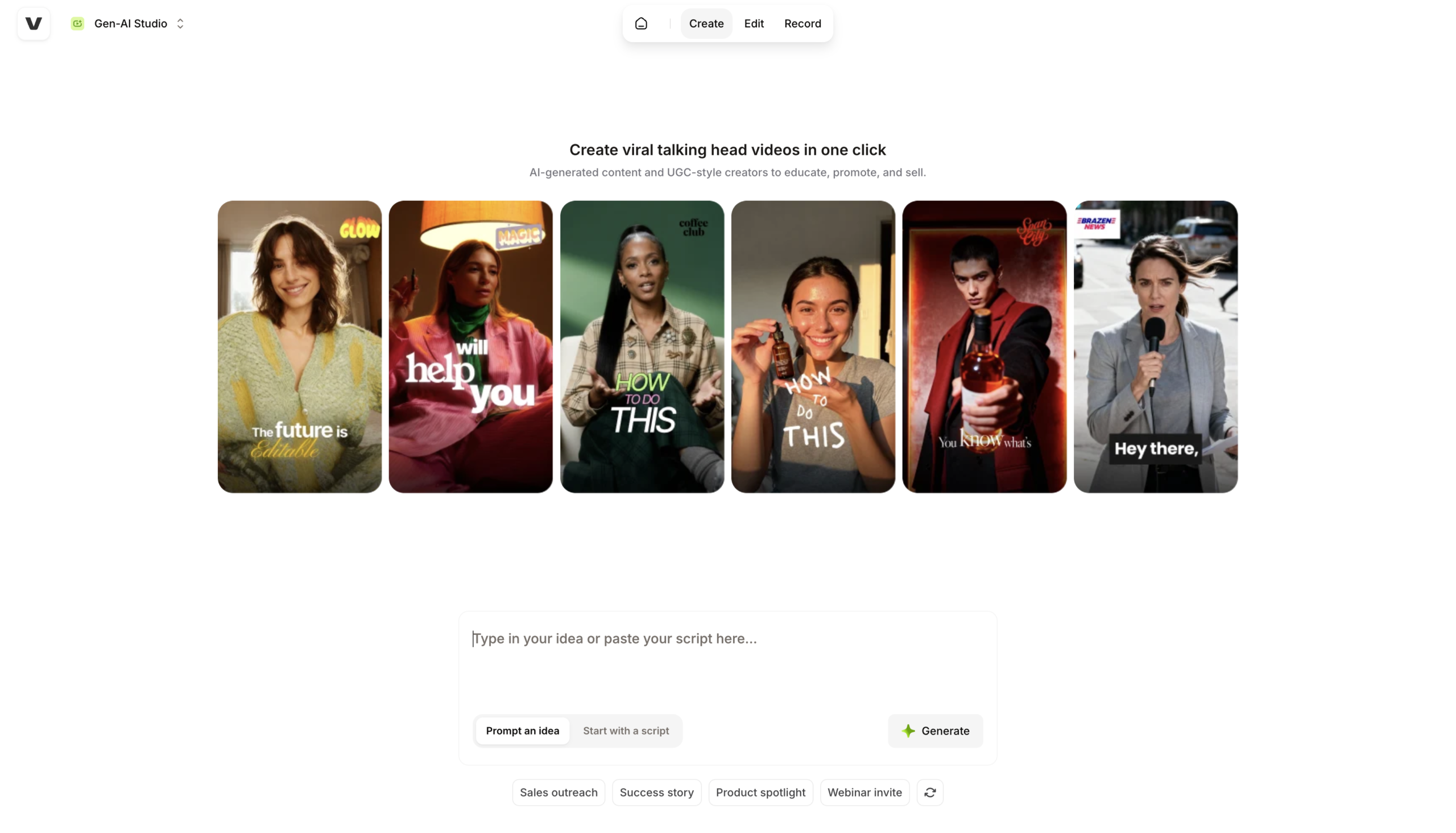
Script-to-presenter video for faceless explainers, best under 90 seconds
Brand Kit
Logos, fonts, colors, and templates auto-applied so teams stay on brand
Video Translation
Subtitle and voice translation plus dubbing for global reach
Review Mode
Commentable links with time-stamped feedback for client approvals
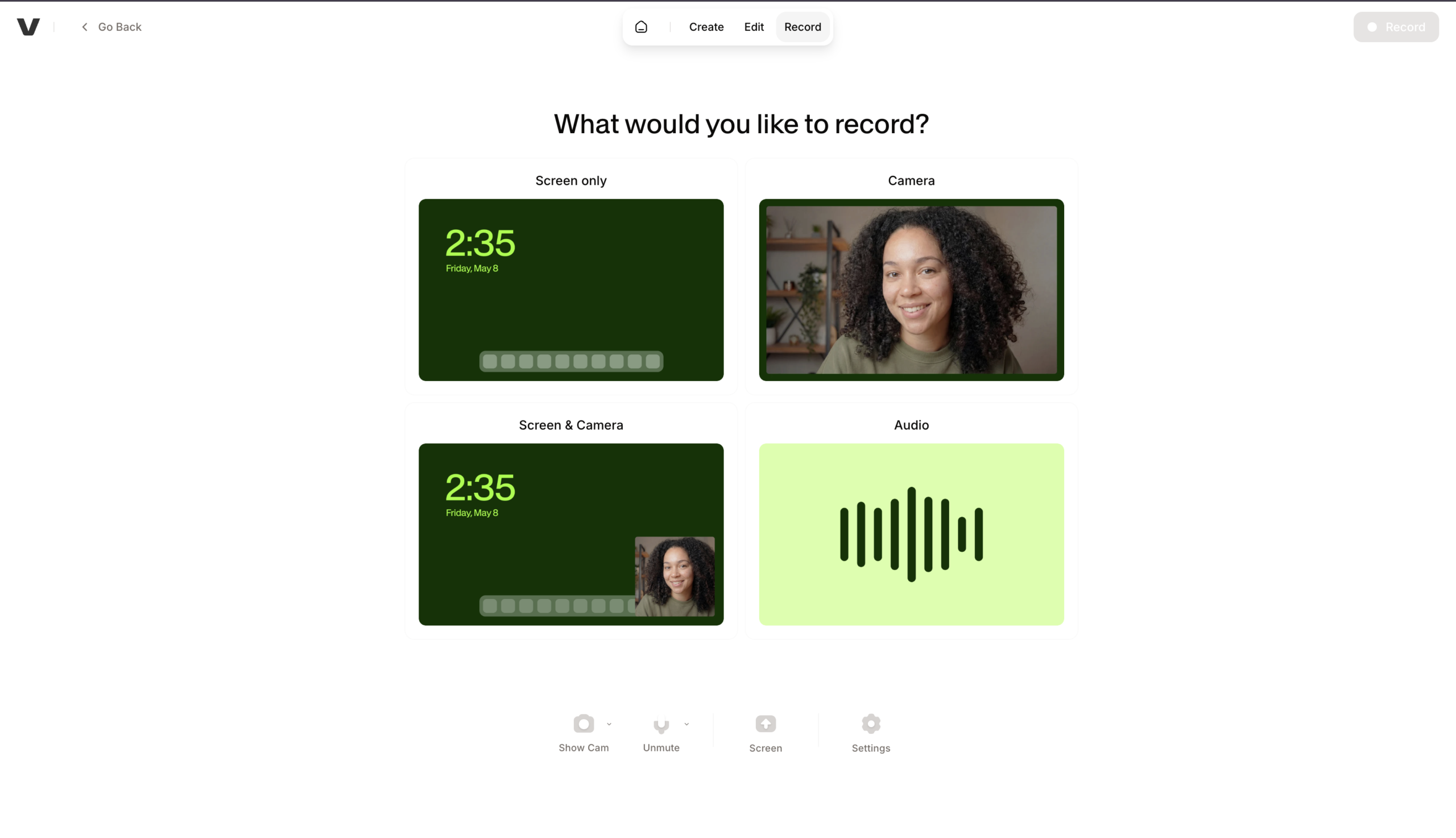
Screen + Webcam Recorder
Teleprompter-backed recording built for course and demo content
Pros and Cons
- Fully browser-based – edit on any device, no install
- Strong professional/team features and brand management
- Genuinely time-saving AI (Magic Cut, 100+ language captions)
- 4K export; US-available with no Bytedance privacy concerns
- Constant paywalls; free plan watermarks and caps subtitle minutes/exports
- Browser-based means large projects can lag and export slowly
- No offline editing; unreliable internet degrades the experience
- Doesn’t auto-generate ready-made shorts the way CapCut/OpusClip do
Pricing Plans
Lite (Monthly)
$ 9
per month
Pro (Monthly)
$ 24
per month
Enterprise
Custom
Contact for Pricing
Customers
- B2B Marketing Team – Produce on-brand explainers in-browser with shared brand kit, no desktop NLE licenses
- Multilingual Content Lead – Translates subtitles and dubs videos to reach 50+ language markets
- Faceless Creator – Builds explainers with AI avatars and text-to-speech, never appearing on camera
- Course Creator / Trainer – Record screen plus webcam with teleprompter, adds captions and annotations
- Agency Producer – Share commentable links for time-stamped client feedback in review mod
Company Information
VEED
2018
London, United Kingdom
Frequently Asked Questions
Do I need to install anything?
No – VEED is browser-based, with cloud storage and team collaboration so projects are editable from anywhere, plus iOS and Android apps.
How good are the auto subtitles, and how many languages?
Subtitle generation is reported at 95%+ accuracy across 100+ languages, and translation covers 50+ languages on paid tiers.
Can it cut my long videos into shorts automatically?
Yes. Magic Cut keeps the highlights automatically, and AI Clips can cut long-form video into short social clips; auto-resize reformats them for Reels, TikTok, and Shorts in one click.
What’s the AI avatar actually good for?
It works for faceless explainer content. In independent testing, results were acceptable for roughly 30-second product explainer scripts, but lip sync drifted noticeably past 90 seconds — so keep avatar segments short.
How does brand consistency work across a team?
The brand kit stores logos, fonts, colors, and media in one place, with custom templates and custom avatars so any team member can spin up a video and stay on brand.
What are the collaboration features?
Shared workspaces, commenting, review mode with time-stamped feedback, asset sharing, and centralized brand management.
Can I generate a video from just a script?
Yes. Script to Video generates a video from written text, and Gen-AI Studio creates video from text prompts, optionally with an AI avatar presenter.
Where does VEED fall short?
It’s a poor fit for long-form, effects-heavy work – the browser engine is limiting versus desktop NLEs. Reviewers also flag a 2-track audio limit (voice plus music, no room for SFX) and export timeouts on videos over roughly 5 minutes.
Is the free plan usable?
It’s genuinely limited: basic editing, subtitle generation capped around 30 minutes/month, 720p export, a VEED watermark, and limited cloud storage. No credit card is needed to start.
Strength
Browser video editor
rating
⭐️ 4.5
Starts At
$ 9
per month
Alternatives

Captions
⭐️ 4.1
strength
Mobile A-roll
Mobile-first AI video studio (by Mirage): captions, AI actors, editing.
FROM
$ 25
per month
✅ Free Trial

Descript
⭐️ 4.5
strength
Text-based video editing
Text-based video/audio editing with AI agent.
FROM
$ 24
per person per month
✅ Free Trial

CapCut
⭐️ 4.0
strength
Video editing
ByteDance’s go-to Shorts editor with Magic Studio AI features.
FROM
$ 10
per month
✅ Free Trial